
|
Do it yourself
| |||
| ||||


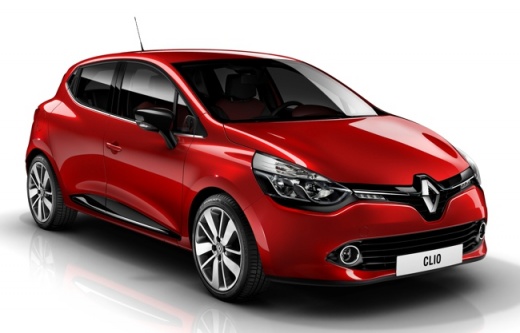
How to reset the maintenance light on the Renault Clio 4
Model: Renault Clio
MK 4, Clio 4, Clio IV
- Years 2012-2019
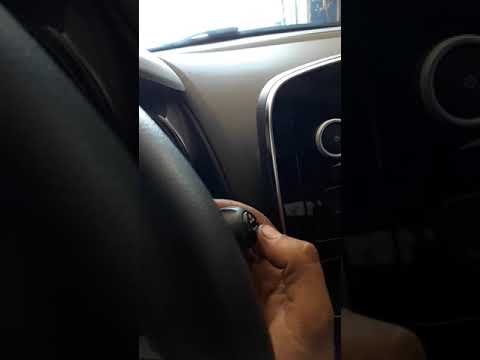
If you are wondering what procedure you need to perform in order to manually reset the maintenance warning light on your Renault Clio Mk4 do not worry because in the following guide you will find all the necessary information. First press the "Start / Stop" button and start the instrument panel. Then press the lower button located at the end of the right steering wheel lever several times until the vehicle maintenance item appears on the mini display. At this point, keep the same button pressed and release it as soon as the display stops flashing.
Posted on 8 April 2022 by ScegliAuto
Video tutorial
Related tutorials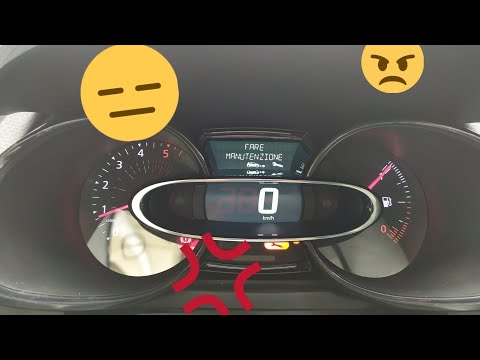
Renault Clio
(2012-2019 /
MK 4, Clio 4, Clio IV)
Before we can begin, we will have to sit in the driver's seat of our Renault Clio. Let's start by activating the instrumentation of our Renault Clio.…
Renault Clio
(2012-2019 /
MK 4, Clio 4, Clio IV)
Before we can begin, we will have to go and sit in the driver's seat of our Renault Clio. We then begin to highlight the phrase "Maintenance autonomy…
Renault Clio
(2005-2013 /
MK 3, Clio 3, Clio III)
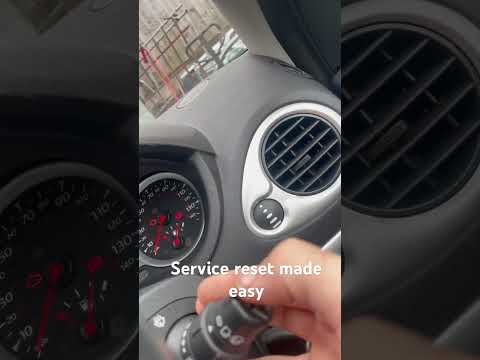
When the service light on the instrument panel of your Renault Clio Mk3 (year 2005-2013) turns on, even after having performed the maintenance, you m…
Other guides you may be interested in
|
Frequently Asked QuestionsHow to Replace the Alternator on a Citroen Berlingo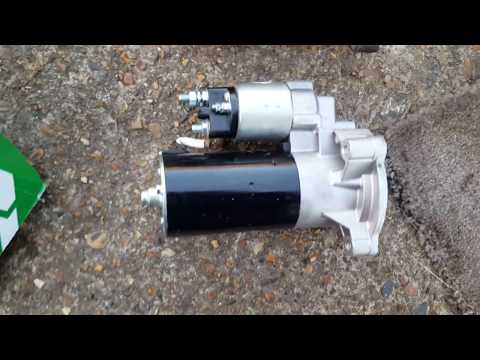
For this simple operation, you will need to release the bonnet from the appropriate lever to lift it. Next, for safety and to protect the more delicate circuits, disconnect the cables from the battery. You can now work directly on the motor located under the air intake box. Remove it by unscrewing the various bolts, then working from underneath your vehicle, reach the motor in question. Disconnect the connector that powers it and unscrew the bolts that secure it. Now, simply install the new one. by ScegliAuto More videos
|
|
For advertising on this site Write to info@scegliauto.com
ScegliAuto is not responsible for any inaccuracy of the data in the lists. To report any inaccuracy or your business (if you own the business in question), please write to info@scegliauto.com
Number of seconds to generate the page: 0.070
(c) ScegliAuto 2026 - info@scegliauto.com - Privacy policy VAT number: IT01247470535 |
