
|
Do it yourself
| |||
| ||||


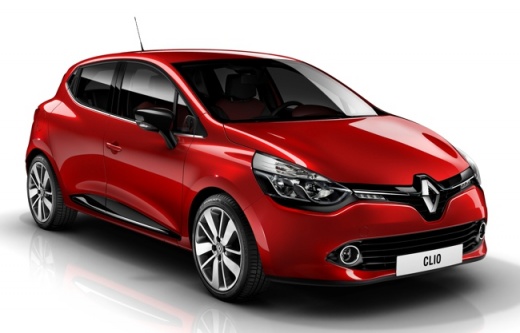
How to Remove the Original Radio from a Renault Clio 4
Model: Renault Clio
Clio IV, Clio 4, MK 4
- Years:
2012, 2013, 2014, 2015, 2016, 2017, 2018, 2019
Video tutorial
In this video, learn how to remove and replace the original radio from the fourth series Renault Clio by following these simple steps. First, get inside the vehicle and remove the plastic trim surrounding the radio by prising it off at the sides; then unscrew all the screws found on the sides, as shown in the video. At this point, remove the factory radio by disconnecting the electrical cables at the back; proceed to install the new radio with an integrated multimedia system, following the video to the end!
Updated on 5 June 2026 by ScegliAuto
Related tutorials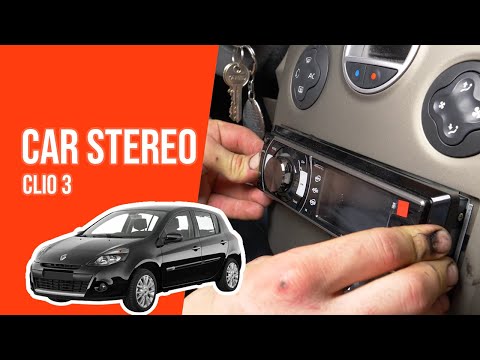
Renault Clio
(2005-2013 /
Clio 3, MK 3, Clio III)
In today's tutorial video, learn how to remove the original radio and replace it with a compatible one on a third-generation Renault Clio. First, get…
Renault Clio
(2012-2019 /
Clio IV, Clio 4, MK 4)
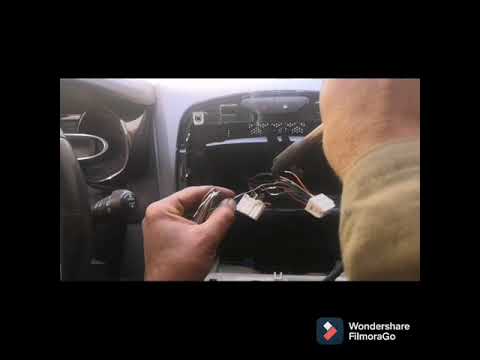
In today's video, you will see the main steps to remove and replace the original car radio on the fourth series Renault Clio, as well as on the Captu…

Renault Clio
(2005-2013 /
Clio 3, MK 3, Clio III)
Is the radio in your Renault Clio due for replacement? Here’s how to remove it. Use the metal keys from the original stereo or generic brand keys. In…
Other guides you may be interested in |
Where are the fuses located on the Renault Laguna?
On the Renault Laguna, the fuses are located inside the fuse boxes installed in the vehicle: in this car model, you will find two boxes for containing the fuses. The first is in the fuse box on the left side of the dashboard, accessible by opening the driver's door: here you will find the fuses for the windscreen wipers, fog lights, horn, etc. The second box is located on the right side of the engine compartment: here you will find the fuses for the dipped headlights, radiator fan, alternator, etc. by ScegliAuto More videos
|
|
For advertising on this site Write to info@scegliauto.com
ScegliAuto is not responsible for any inaccuracy of the data in the lists. To report any inaccuracy or your business (if you own the business in question), please write to info@scegliauto.com
Number of seconds to generate the page: 0.009
(c) ScegliAuto 2026 - info@scegliauto.com - Privacy policy VAT number: IT01247470535 |
