
|
Do it yourself
| |||
| ||||


How to reset the service light of the Renault Clio
Model: Renault Clio
MK 4, Clio 4, Clio IV
- Years 2012-2019
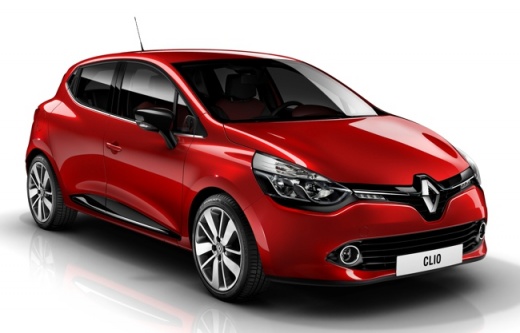
If you want to permanently eliminate the warning light relating to vehicle maintenance, all you have to do is follow the instructions in this guide carefully and put them into practice. First, go inside the car and insert the card. Turn on the ignition and navigate in the menu using the buttons located at the end of the wiper lever. Find the item "Review autonomy" and immediately after holding down the upper button of the same lever. Release it as soon as the new item appears and then keep it pressed again until the display stops flashing. Finally, turn off the picture and you are done.
Posted on 12 September 2022 by ScegliAuto
Video tutorial
Related tutorials
Renault Clio
(2019-2026 /
Clio V, Clio 5)
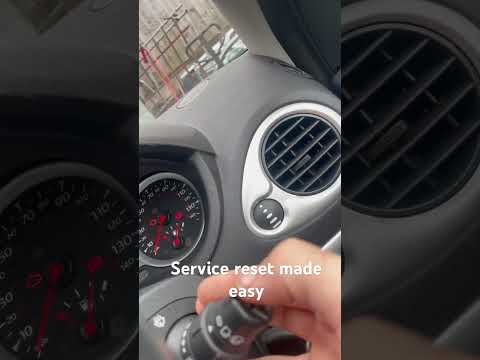
If you own a Renault Clio (year 2022) and are wondering how to manually reset the service light, then all you have to do is follow the steps describe…
Renault Clio
(2005-2013 /
MK 3, Clio 3, Clio III)
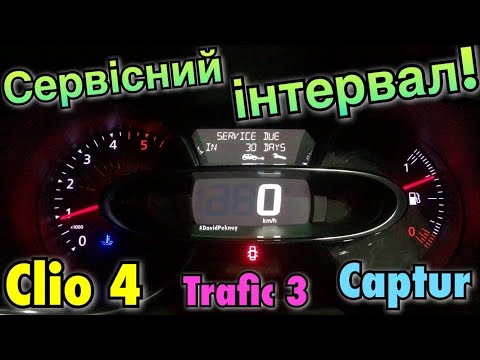
When the service light on the instrument panel of your Renault Clio Mk3 (year 2005-2013) turns on, even after having performed the maintenance, you m…
Renault Clio
(2012-2019 /
MK 4, Clio 4, Clio IV)
The procedure necessary to manually reset the service light on your Renault Clio fourth generation (2012-2019) is practically identical to that found…
Other guides you may be interested in |
How to remove the original radio from a Peugeot 308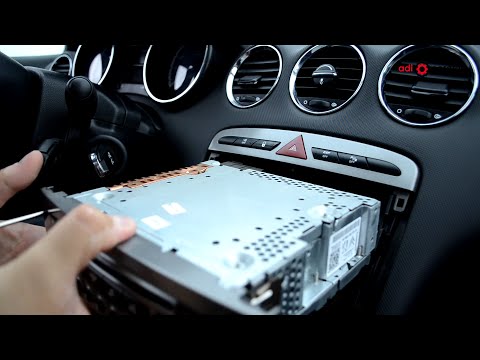
How to remove the original radio from a Peugeot 308? Follow these steps for disassembly: use the original or aftermarket metal keys to remove the stereo from the car. Insert the keys into the holes on the plastic cover of the stereo, pull the stereo towards you as shown in the video, and extract the radio while being careful of the various wiring (disconnect the power connectors and the antenna cable). Finally, reinstall the original radio or a generic brand one using the appropriate adapter (for the input and connector terminals). by ScegliAuto More videos
|
|
For advertising on this site Write to info@scegliauto.com
ScegliAuto is not responsible for any inaccuracy of the data in the lists. To report any inaccuracy or your business (if you own the business in question), please write to info@scegliauto.com
Number of seconds to generate the page: 0.049
(c) ScegliAuto 2026 - info@scegliauto.com - Privacy policy VAT number: IT01247470535 |
