
|
Do it yourself
| |||
| ||||


To reset R-Link Renault.
Model: Renault Renault Various
To reset Renault's R-link, let's go to the main menu, press system, scroll through the settings, and go to "restore original settings". When asked "do you want to delete all settings, positions, routes, and favorites set", press "yes" and wait a few seconds for the system to reset itself. Then, their "R-link in collaboration with TomTom" will appear, along with various driving safety information that should be followed. Enter the system, which will load the maps, and at that point, the system is reset.
Posted on 28 June 2023 by ScegliAuto
This video is currently unavailable
Related tutorials
Renault Renault Various
If the GPS R Link system of your Renault suddenly has serious malfunctions, all you have to do is perform a reset. Fortunately, this operation is qui…
Renault Renault Various
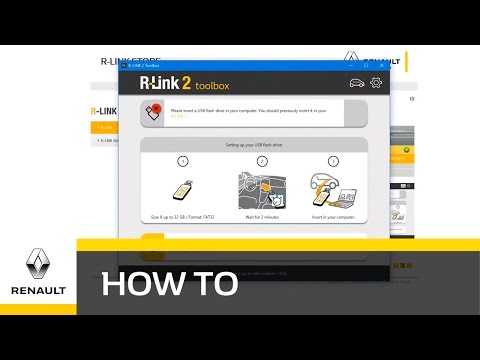
In this video, we will see how to download R-Link 2 from your Renault car's toolbox. You can download it from your PC and then transfer it to your ca…

Renault Renault Various
In this video we can see how to solve the problem of R-Link and bluetooth not working on a Renault car. The issue is that this system does not allow …
Other guides you may be interested in
|
Frequently Asked QuestionsHow to Remove the Knobs from a Fiat Panda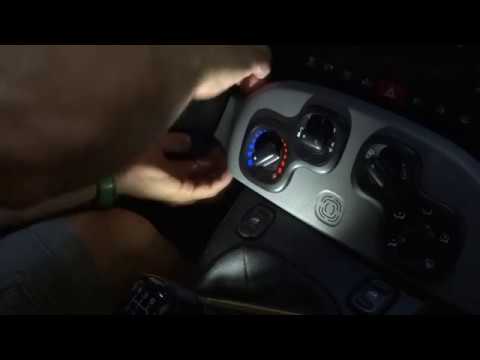
Let’s see in this simple video how to remove the air conditioning knobs from the Panda. Align all the knobs in one direction to make reassembly easier. Grip the plastic cover from both ends as shown in the video, pull until you hear a click, then pull to release the first knob. When you return the trim to its housing, you will see that the knob remains outside; now you can remove it. Repeat the same procedure for the second knob. Once you have finished removing all the knobs, perform the appropriate maintenance and reassemble everything. by ScegliAuto More videos
|
|
For advertising on this site Write to info@scegliauto.com
ScegliAuto is not responsible for any inaccuracy of the data in the lists. To report any inaccuracy or your business (if you own the business in question), please write to info@scegliauto.com
Number of seconds to generate the page: 0.063
(c) ScegliAuto 2026 - info@scegliauto.com - Privacy policy VAT number: IT01247470535 |
