
|
Do it yourself
| |||
| ||||


How do you reset the Service light on the Renault Clio?
Model: Renault Clio
Clio 5, Clio V
- Years 2019-2026
The operation of resetting the Service light on the Renault Clio is performed by turning on the instrument panel and then pressing the menu button on the right side of the steering wheel (the one with the two rectangles). A screen will appear on the display, and you will navigate within it using the arrows also located on the right side of the steering wheel. When the oil icon appears, you will need to press and hold the OK button, which is also present on the right side of the steering wheel, for a few seconds. Once the maintenance interval is reset, you will notice that the Service light disappears from the instrument panel.
Posted on 25 August 2023 by ScegliAuto
Video tutorial
Related tutorials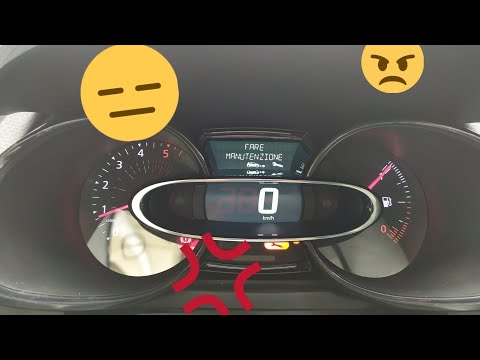
Renault Clio
(2012-2019 /
MK 4, Clio 4, Clio IV)
Before we can begin, we will have to sit in the driver's seat of our Renault Clio. Let's start by activating the instrumentation of our Renault Clio.…
Renault Clio
(2019-2026 /
Clio 5, Clio V)
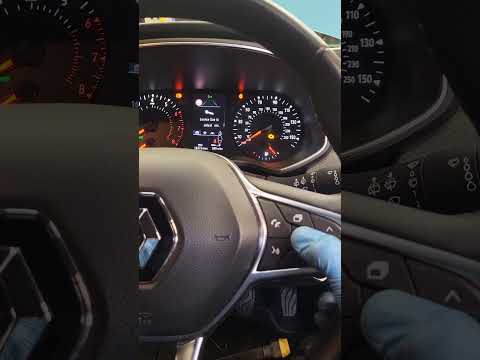
Good morning, today's goal is to reset the "Service" light of our Renault Clio. Let's turn on the car's instrument panel by pressing the ignition but…
Renault Clio
(2005-2013 /
Clio 3, MK 3, Clio III)
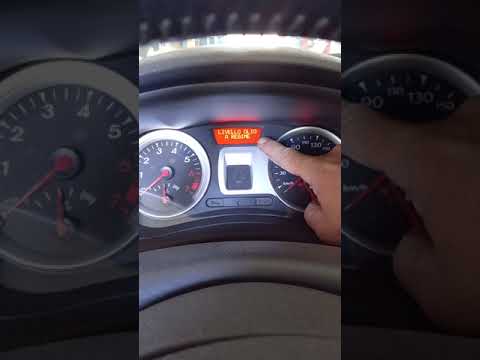
Before starting, we will have to sit in the driver's seat of our Renault Clio. So let's start by turning on the instrument panel, turning the key in …
Other guides you may be interested in
|
Frequently Asked QuestionsRemove Front Door Panel on Opel Insignia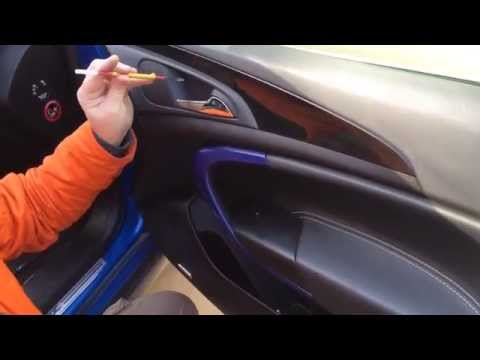
How to remove the front door panel on an Opel Insignia? Follow these steps. Before starting the disassembly, disconnect the battery terminals located in the engine bay. Begin the disassembly: use a lever to remove the plastic cover under the door handle, then use a screwdriver to unscrew the securing screws underneath. Once all screws are removed, detach the plastic clips that secure the door. Remove the door panel by hand, disconnect the power connectors and the door release cable. by ScegliAuto More videos
|
|
For advertising on this site Write to info@scegliauto.com
ScegliAuto is not responsible for any inaccuracy of the data in the lists. To report any inaccuracy or your business (if you own the business in question), please write to info@scegliauto.com
Number of seconds to generate the page: 0.058
(c) ScegliAuto 2026 - info@scegliauto.com - Privacy policy VAT number: IT01247470535 |
