
|
Do it yourself
| |||
| ||||


How do you reset the Service light on the Renault Trafic?
Model: Renault Trafic
MK 3
- Years 2014-2026
The procedure to reset the Service light on the Renault Trafic is performed by inserting the ignition key into the corresponding slot and turning it to turn on the instrument panel. Once this is done, it will be possible to navigate through its menu using the upward arrow button located on the lever to the right of the steering wheel. At this point, it will be possible to locate the wrench icon indicating the remaining kilometers until the next maintenance. By holding down the button, it will be possible to reset the light and finally turn off the instrument panel.
Posted on 8 September 2023 by ScegliAuto
Video tutorial
Related tutorials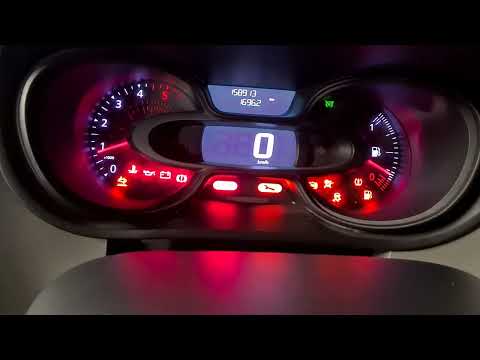
Renault Trafic
(2014-2026 /
MK 3)
On the Renault Trafic, in order to reset the Service light, you need to insert the ignition key into the corresponding slot, turn it to turn on the i…
Renault Trafic
(2001-2014 /
MK 2)
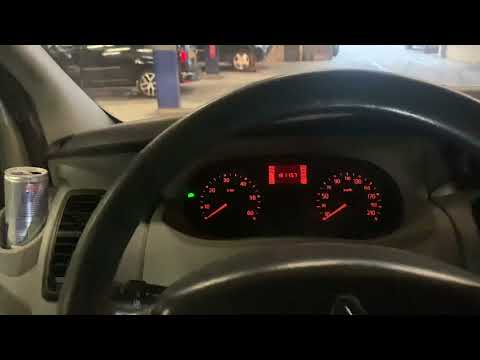
In order to reset the Renault Trafic Service warning light, you must press and hold the accelerator pedal while the instrument panel is off. Keeping …
Renault Trafic
(2001-2014 /
MK 2)
In order to reset the Service light on the Renault Trafic, you need to turn on the instrument panel by turning the ignition key inside the relevant b…
Other guides you may be interested in
|
How to Remove the Spark Plugs on a Subaru Forester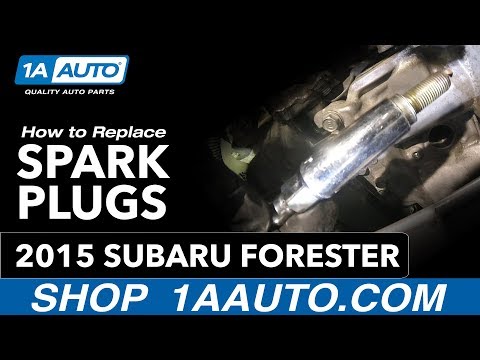
In this video, learn how to remove the spark plugs on a Subaru Forester. Pull the lever to open the engine compartment and lift the front bonnet, securing it. Remove the soundproofing panel covering the cylinder head, the air filter kit (if necessary), then disconnect the coils by hand, unscrew the spark plugs with your socket wrench, and pull them out of the cylinder head. Take the new spark plugs and guide them with the extension of the socket wrench into the cylinder head, tighten them properly, secure the ignition coils, refit the previously removed panel and the air filter kit. Close the engine bonnet. by ScegliAuto More videos
|
|
For advertising on this site Write to info@scegliauto.com
ScegliAuto is not responsible for any inaccuracy of the data in the lists. To report any inaccuracy or your business (if you own the business in question), please write to info@scegliauto.com
Number of seconds to generate the page: 0.116
(c) ScegliAuto 2026 - info@scegliauto.com - Privacy policy VAT number: IT01247470535 |
