
|
Do it yourself
| |||
| ||||


How to change the time on the Renault Scenic 3.
Model: Renault Scenic
MK III, Scenic III, Scenic 3, MK 3
- Years 2009-2015
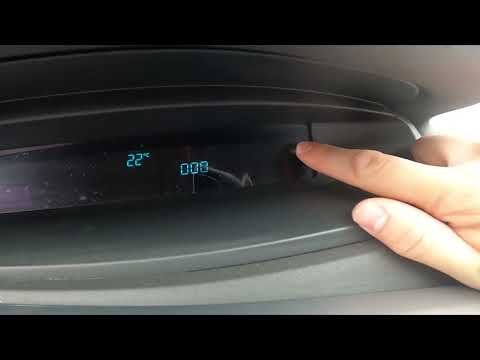
If you own a third-generation Renault Scenic (year 2009-2015) and are curious about how to manually change the displayed time on the screen, then all you have to do is read carefully what is described and follow the steps. First of all, start both the instrument panel and the infotainment system display. At this point, press the menu button and select the "Set clock" option. Then choose the format you prefer and proceed to change the minutes and hours digits. Finally, go back and exit the menu.
Posted on 5 April 2024 by ScegliAuto
Video tutorial
Related tutorials
Renault Scenic
(2009-2015 /
MK III, Scenic III, Scenic 3, MK 3)
In this guide we will see the instructions that will allow us to modify the date and time of the Renault Scenic, in simple steps. First of all, we ge…
Renault Scenic
(2003-2009 /
Scenic 2, MK 2)
To be able to manually change the time shown on the central dashboard display of your Renault Scenic second series (year 2003-2009) you just have to …

Renault Scenic
(2009-2015 /
MK III, Scenic III, Scenic 3, MK 3)
On many new generation vehicles, it is possible to customize the display interface of the instrument cluster or the onboard computer to have a person…
Other guides you may be interested in
|
How to Change the Dashboard of the Volkswagen Polo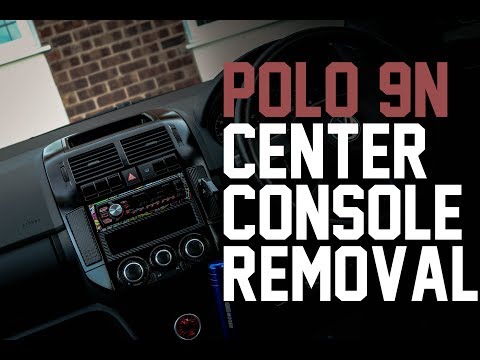
First, ensure your safety by disconnecting and lifting the bonnet to disconnect the battery cables. Next, start removing the components of the central column of the vehicle, where the stereo and various controls are located. After disconnecting the plugs, remove the bolts securing these parts to the bottom of the dashboard. Lift the central glove compartment with a screwdriver to remove it and unscrew the screws at the back. Now, simply remove the last screws indicated in the video to extract the entire central column, and you're done! by ScegliAuto More videos
|
|
For advertising on this site Write to info@scegliauto.com
ScegliAuto is not responsible for any inaccuracy of the data in the lists. To report any inaccuracy or your business (if you own the business in question), please write to info@scegliauto.com
Number of seconds to generate the page: 0.077
(c) ScegliAuto 2026 - info@scegliauto.com - Privacy policy VAT number: IT01247470535 |
