
|
Do it yourself
| |||
| ||||


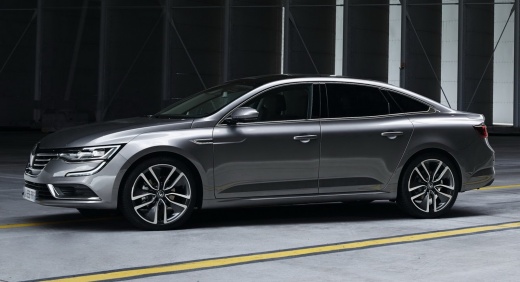
How to reset the service in the Renault Talisman?
Model: Renault Talisman
MK 1
- Years 2015-2023
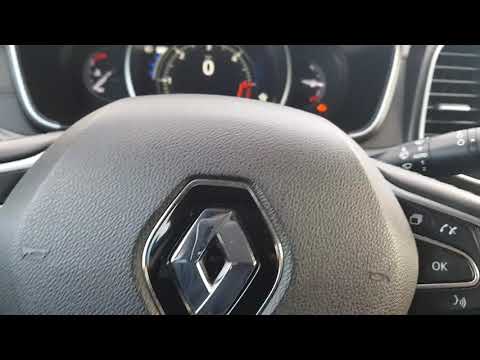
Resetting the service in the Renault Talisman, as we can see in this tutorial, is an extremely simple and quick operation. Before doing this, we must have completed all the scheduled maintenance work required. Let's start by inserting the key and turning on the instrument panel, then scroll through the display screens using the directional arrows located on the right side of the steering wheel. Once we have reached the service option, press and hold the "OK" button for about 10 seconds, or until the interval is reset correctly. Finally, restart the instrument panel.
Posted on 6 March 2024 by ScegliAuto
Video tutorial
Related tutorials
Renault Talisman
(2015-2023 /
MK 1)
.. In this tutorial we can see how to reset the service in the Renault Talisman, an extremely simple and fast operation, to be carried.. …

Renault Talisman
(2015-2023 /
MK 1)
Resetting the service in the Renault Talisman, as we can see in this tutorial, is an extremely simple and quick operation. Before proceeding, we must…
Renault Talisman
(2015-2023 /
MK 1)
In this tutorial, we can see how to reset the oil service in the Renault Talisman, an extremely simple and fast operation, to be carried out only aft…
Other guides you may be interested in
|
How to Update the TomTom on a Renault Scenic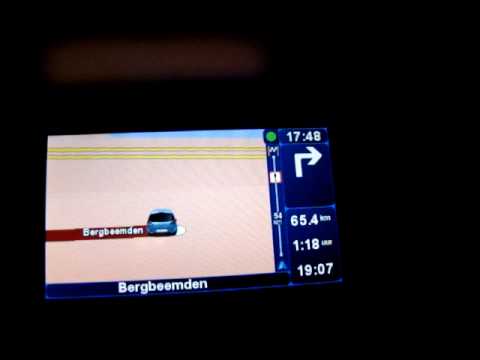
Follow this video to update the original TomTom navigator on a Renault Scenic. This is a very simple operation; enter the vehicle, turn on the instrument panel of your car with the key fob, press the knob located near the gear lever, and find the menu with the update option. Press the knob down and up to confirm, then wait for the necessary time for the device to update. Finally, the onboard computer will display the successful update of the navigator; check everything and turn off the instrument panel with the appropriate key. by ScegliAuto More videos
|
|
For advertising on this site Write to info@scegliauto.com
ScegliAuto is not responsible for any inaccuracy of the data in the lists. To report any inaccuracy or your business (if you own the business in question), please write to info@scegliauto.com
Number of seconds to generate the page: 0.109
(c) ScegliAuto 2026 - info@scegliauto.com - Privacy policy VAT number: IT01247470535 |
