
|
Do it yourself
| |||
| ||||


How to Set a Personal Photo in the User Profile of the Renault Captur
Model: Renault Captur
MK 2
- Years 2019-2026
In this video, see how to insert a personal photo into the user profile that appears on the Renault Captur's screen: first, load a photo of your choice onto a USB stick, turn on the display, click on the user name so that the vehicle, if used by multiple people, sets the parameters for the person using it at that moment. Press the 'edit' button and from here you can change the name (if you haven't done so already) and the image. Press the button and it will take you to preset images, but if you click on the three dots at the bottom, you can import an image from the USB stick; it will show you the image(s) on the stick, select your choice and confirm as 'set as user profile', and going back, you will see that the image has been updated.
Updated on 21 September 2026 by ScegliAuto
Video tutorial
Related tutorials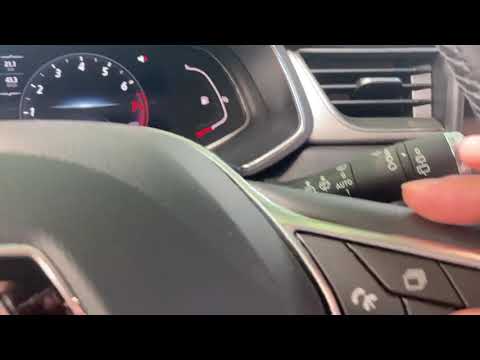
Renault Captur
(2019-2026 /
MK 2)
Before you begin, sit in the driver's seat of your Renault Captur. Start by repeatedly pressing the selection button on the right side of the steerin…
Renault Captur
(2019-2026 /
MK 2)
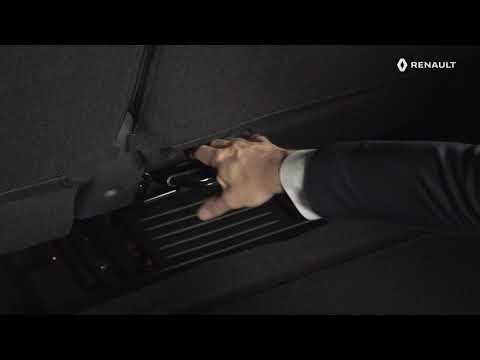
Before you can begin, open the rear hatch of the boot of your Renault Captur using the button on the electronic key. Start by pushing the front seats…

Renault Captur
(2013-2019 /
MK 1)
Owners of Renault Captur cars may have wondered where the EOBD port of their vehicle is located. Fortunately, this is very easy to locate and can als…
Other guides you may be interested in
|
Frequently Asked QuestionsHow to Adjust the Brightness of the Instrument Cluster on a Peugeot 3008?
To adjust the brightness of the instrument cluster on a Peugeot 3008, you need to turn on the ignition and access the settings via the menu located in the central area of the dashboard. In the screen that appears, select the "Display Configuration" option: now, by selecting the "Brightness" option, you can adjust it using the dedicated slider that will appear on the screen. The adjustment should be made with the headlights on as well as with them off. Once the adjustment is complete, you can turn off the instrument cluster. by ScegliAuto More videos
|
|
For advertising on this site Write to info@scegliauto.com
ScegliAuto is not responsible for any inaccuracy of the data in the lists. To report any inaccuracy or your business (if you own the business in question), please write to info@scegliauto.com
Number of seconds to generate the page: 0.115
(c) ScegliAuto 2026 - info@scegliauto.com - Privacy policy VAT number: IT01247470535 |
