
|
Do it yourself
| |||
| ||||


How to use the infotainment system of the Skoda Octavia
Model: Skoda Octavia
MK 4, NX
- Years 2019-2026
In this guide, we will see the information related to the use of the multimedia and infotainment system of the Skoda Octavia. First of all, we turn on the vehicle's instrument panel, thus having access to the various functions that this multimedia system allows; it is possible to access all the vehicle settings, air conditioning, synchronization of the mobile phone via Android Auto or Apple CarPlay, driving modes, navigation, and much more. All applications are also accessible thanks to voice commands, making it easier for the driver.
Posted on 10 March 2025 by ScegliAuto
Video tutorial
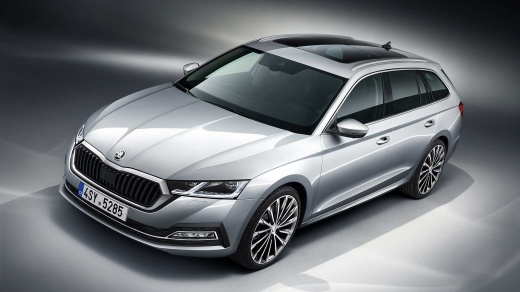
Related tutorials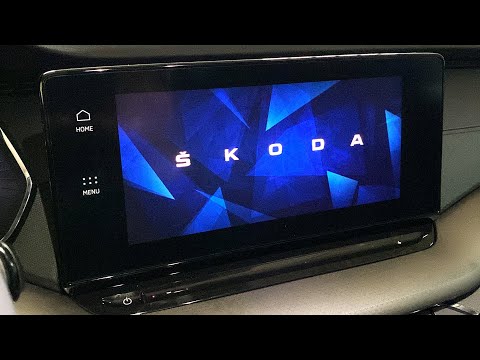
Skoda Octavia
(2019-2026 /
MK 4, NX)
This guide describes the procedure to reset the infotainment system for the Skoda Octavia MK4. Note that this procedure is not valid for earlier mode…

Skoda Octavia
(2012-2019 /
MK 3, 5E)
Today you will be able to see, through this very short video guide, how to perform a forced reboot of the infotainment system on a Skoda Octavia, thi…

Skoda Octavia
(2019-2026 /
MK 4, NX)
This guide shows how to reset the infotainment system on a Skoda Octavia MK4 via a forced restart: this procedure is useful when the touch screen is …
Other guides you may be interested in
|
How to Replace the Cabin Filter on the Opel Grandland X
If you own an Opel Grandland X and want to know the steps to replace the cabin air filter, carefully read the following guide and follow the described steps. First, enter the vehicle and go to the passenger side. Then, locate the box containing the air filter in the lower side area of the dashboard. Remove the cover of the box and finally replace the old filter with the new one. Refit the cover, and you are done. by ScegliAuto More videos
|
|
For advertising on this site Write to info@scegliauto.com
ScegliAuto is not responsible for any inaccuracy of the data in the lists. To report any inaccuracy or your business (if you own the business in question), please write to info@scegliauto.com
Number of seconds to generate the page: 0.155
(c) ScegliAuto 2026 - info@scegliauto.com - Privacy policy VAT number: IT01247470535 |
