
|
Do it yourself
| |||
| ||||


How to reset the service light on the Smart Fortwo
Model: Smart Smart
451
- Years 2007-2015
Following these brief and simple steps, we will see how to reset the maintenance reminder (service) of the Smart Fortwo. First of all, get into the car and turn on the instrument panel and press the button located on the left side of the instrument panel twice; then press and hold the button until the maintenance key stops flashing on the display, until it resets completely, as shown in the video. At this point, turn off the instrument panel and start the engine, verifying the actual reset of the service!
Posted on 20 October 2024 by ScegliAuto
Video tutorial
Related tutorials
Smart
(2014-2022 /
453)
Good morning, today I will guide you through the process of resetting the partial trip on your Smart ForTwo. To begin, let's carefully enter the car.…

Smart
(2014-2022 /
453)
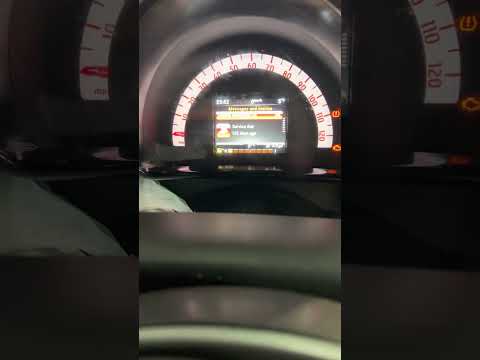
These brief steps will show us the necessary procedure on how to reset the service light of the Smart Fortwo. First of all, we get into the car and s…
Smart
(2014-2022 /
453)
In this new mini guide dedicated to all owners of a 2015 Smart Fortwo, we will discover together the steps to take if you want to manually reset the …
Other guides you may be interested in
|
How to Replace the Front Headlamp Bulb on a Fiat Grande Punto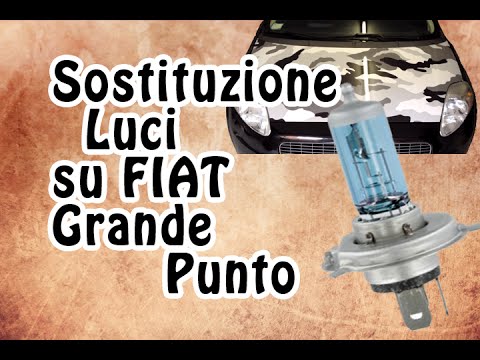
To replace the front headlamp bulb on a Fiat Grande Punto, first open the bonnet. Once done, access the rear of the headlamp where the bulb needs replacing (the bulb is of type H4). Locate the rubber cover that protects the electrical contacts and bulbs from water and moisture. Remove it by pulling on the tab. Now, pull the connector for the bulb's power supply and disconnect it from its position. At this point, push down on the top of the spring that holds the bulb in place, and you can extract the bulb from its housing. To fit the new bulb, follow the steps in reverse as shown in the images. The video also shows how to remove the position bulb, which is located just below the H4. After disconnecting the power supply, you can extract it along with the bulb holder by pressing the two tabs to release it and pulling. The bulb can then be removed from its position in the bulb holder. by ScegliAuto More videos
|

|
For advertising on this site Write to info@scegliauto.com
ScegliAuto is not responsible for any inaccuracy of the data in the lists. To report any inaccuracy or your business (if you own the business in question), please write to info@scegliauto.com
Number of seconds to generate the page: 0.111
(c) ScegliAuto 2026 - info@scegliauto.com - Privacy policy VAT number: IT01247470535 |
