
|
Do it yourself
| |||
| ||||


How to Program the Key for the Smart ForTwo?
Model: Smart Smart
453
- Years 2014-2022
The key for the Smart ForTwo can be programmed by inserting the new device into the ignition and connecting a diagnostic tool to the vehicle's OBD port, located under the steering column. Once connected, select the car model and its corresponding version. Following the on-screen instructions, you can associate the device. After removing the scanner, check that the new key functions correctly.
Posted on 2 March 2026 by ScegliAuto
Video tutorial
Related tutorials
Smart
(2007-2015 /
451)
The key programming for the Smart ForTwo can be performed by turning on the instrument panel using the virgin key, which must be inserted into the ig…

Smart
(2007-2015 /
451)
You can code the Smart ForTwo key using a diagnostic tool: insert the key into the ignition slot located on the centre tunnel and then connect the sc…
Smart
(2004-2006 /
454, Fourfour1)
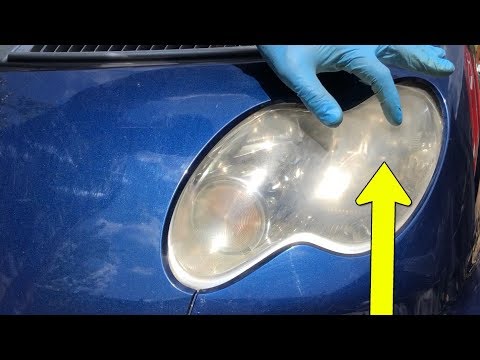
Let's start by removing the front top cover of our Smart ForTwo, using the ignition key, and then removing the plastic underneath. After that, we wil…
Other guides you may be interested in
|
How to Remove the Door Panel on a Renault Megane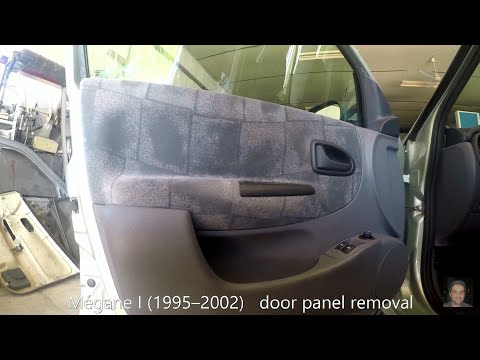
How do you remove the door panel on a Renault Megane? Follow these steps for disassembly. Before starting, disconnect the battery terminals located in the boot. Use a lever to remove the plastic cover of the release handle, then remove the handle cover on the panel. Using a screwdriver, unscrew the securing screws located in the plastic handle. Once all screws are removed, use the lever to detach the window switch panel, the speaker, and all the plastic clips securing the door. Pull the door panel away by hand, disconnect any power connectors and release cable. by ScegliAuto More videos
|

|
For advertising on this site Write to info@scegliauto.com
ScegliAuto is not responsible for any inaccuracy of the data in the lists. To report any inaccuracy or your business (if you own the business in question), please write to info@scegliauto.com
Number of seconds to generate the page: 0.097
(c) ScegliAuto 2026 - info@scegliauto.com - Privacy policy VAT number: IT01247470535 |
