
|
Do it yourself
| |||
| ||||


How to reset the service in the Smart ForTwo?
Model: Smart Smart
453
- Years 2014-2022
Resetting the service in the Smart ForTwo 453 is very simple, let's see how to proceed in the attached videotutorial. Obviously, this procedure should only be carried out after having carried out the work envisaged by the scheduled maintenance. Let's start by turning on the instrument panel, with the arrow up or down we scroll to the maintenance screen. At this point, keep the OK button pressed for the time necessary to complete the reset procedure. To confirm that everything has gone well, simply check that the service mileage has returned to 20,000 km.
Posted on 29 May 2022 by ScegliAuto
Video tutorial
Related tutorials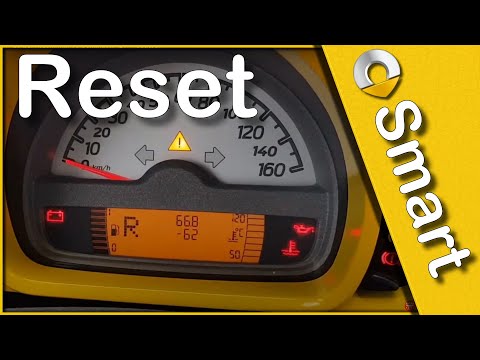
Smart
(2007-2015 /
451)
Let's find out in this short and simple guide how to reset the oil change maintenance service light of the Smart Fortwo, thus resetting the warning l…
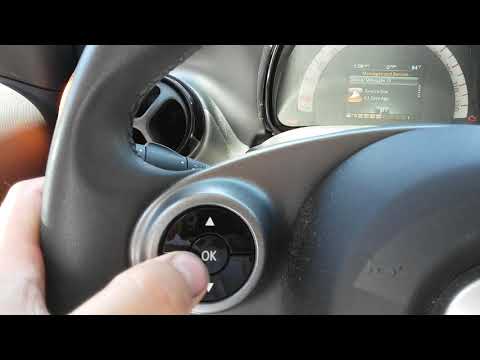
Smart
(2014-2022 /
453)
.. In this video we can see how to reset the service in the Smart ForTwo 453, a very simple operation, to be carried out only after.. …
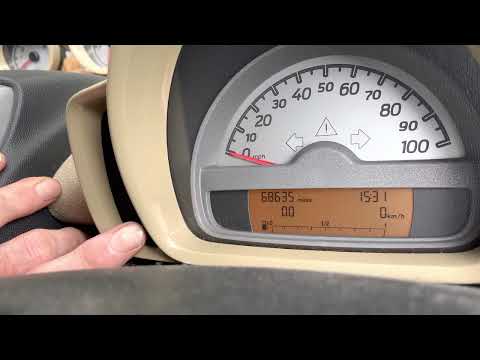
Smart
(2007-2015 /
451)
In the following guide dedicated to your Smart ForTwo 451 (2007-2015) we will give you all the necessary information so that you can manually reset t…
Other guides you may be interested in |
How to Replace the Tailgate Struts on a Citroen C5
Is the tailgate of your car extremely heavy? The gas struts are likely worn out. In this video, see how to fix the pressure loss of the struts on a Citroen C5 tailgate. Lift the tailgate and secure it. Using a screwdriver, remove the retaining clips at both ends of the strut. Disconnect the worn strut and fit the new part into the two mounts. Secure the strut with the metal clips. Repeat the same process for the removal/installation of the other strut. Test the correct operation of the replaced struts. by ScegliAuto More videos
|

|
For advertising on this site Write to info@scegliauto.com
ScegliAuto is not responsible for any inaccuracy of the data in the lists. To report any inaccuracy or your business (if you own the business in question), please write to info@scegliauto.com
Number of seconds to generate the page: 0.055
(c) ScegliAuto 2026 - info@scegliauto.com - Privacy policy VAT number: IT01247470535 |
