
|
Do it yourself
| |||
| ||||


How to enter the radio unlock code in Smart ForTwo?
Model: Smart Smart
450
- Years 1998-2007
In this short tutorial we can see how to enter the radio unlock code in the Smart ForTwo, an operation necessary for example after disconnecting or replacing the battery. The code can be found in the documents supplied with the purchase but, if we have lost it, it will be possible to recover it through one of the various online services. Once obtained, turn on both the instrument panel and the radio, then insert the first digit by repeatedly pressing the "1" key. Continue entering the remaining digits using the "2", "3" and "4" keys, and save the setting with the key located at the bottom right.
Posted on 1 December 2022 by ScegliAuto
Video tutorial
Related tutorials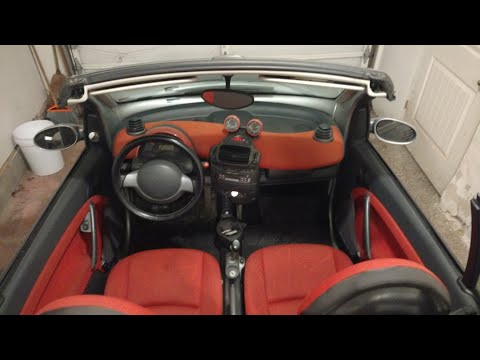
Smart
(1998-2007 /
450)
In this tutorial, we can see how to enter the unlock code for the car radio in the Smart ForTwo, a very simple and quick operation to be performed, f…
Smart
(1998-2007 /
450)
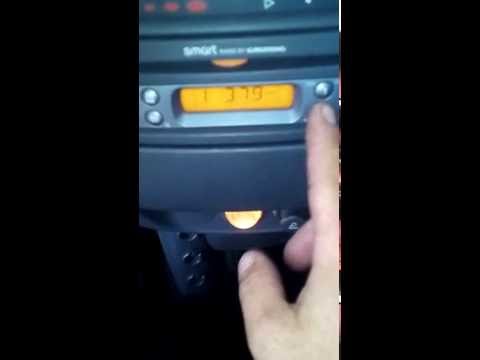
In this tutorial we can see how to find and enter the radio unlock code in the Smart ForTwo, a very simple and necessary operation for example after …
Smart
(1998-2007 /
450)
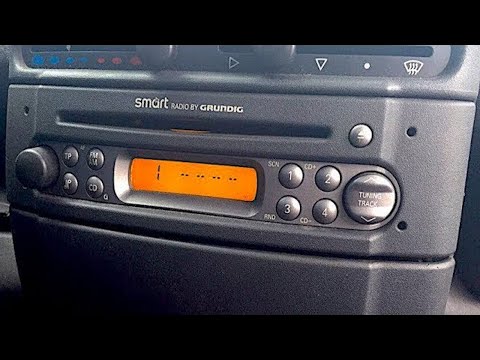
In order to unlock the Smart car's radio, you need to disassemble the device to read the serial number written on the sticker inside. Once you have o…
Other guides you may be interested in
|
Frequently Asked QuestionsRemoving the Front Wheel of a Yamaha Tmax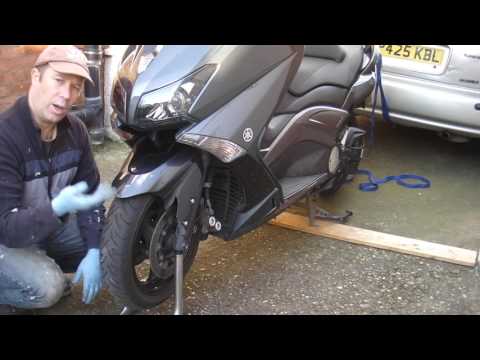
In this video tutorial, you will learn how to remove the front wheel of a Yamaha Tmax 530 (penultimate series). First, remove the fork bolts using a ratchet spanner: then also remove the brake caliper. Now, you will need a stand to lift the front of the bike to safely remove the wheel: then unscrew the central bolt of the wheel: at this point, you can remove it. If desired, you can also remove the mudguard by unscrewing the relevant screws. Apply the reverse procedure for reassembly! by ScegliAuto More videos
|
For advertising on this site Write to info@scegliauto.com
ScegliAuto is not responsible for any inaccuracy of the data in the lists. To report any inaccuracy or your business (if you own the business in question), please write to info@scegliauto.com
Number of seconds to generate the page: 0.139
(c) ScegliAuto 2026 - info@scegliauto.com - Privacy policy VAT number: IT01247470535 |
