
|
Do it yourself
| |||
| ||||


How do you reset the Service light of the Smart 450?
Model: Smart Smart
450
- Years 1998-2007
In order to reset the Service light of the Smart 450, you need to turn on the instrument panel by turning the ignition key inside the ignition switch. Once the instrument panel is on, you can press and hold the button located in the upper left part. This will cause the Service light on the instrument panel to start flashing until it turns off completely. Once the Service light has been turned off, you can turn off the instrument panel. When you turn it on again, you will notice that the light does not appear again on the panel.
Posted on 15 February 2024 by ScegliAuto
This video is currently unavailable
Related tutorials
Smart
(1998-2007 /
450)
This video explains how to perform the short and simple procedure to reset the Service light in the Smart Fortwo 450, both diesel and petrol versions…

Smart
(1998-2007 /
450)
From the Smart instrument panel, to completely make the Service light disappear, you need to activate the instrument panel by inserting the ignition …
Smart
(1998-2007 /
450)
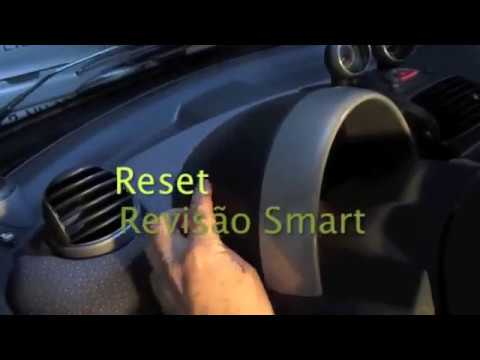
How to reset the light on a Smart Fortwo? Let's see how to reset the warning light that appears on the instrument panel. We turn on the instrument pa…
Other guides you may be interested in
|
How to Replace the Front Wing of a Renault Clio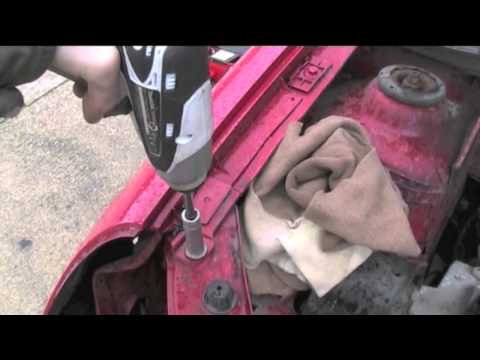
First, remove the wheel where the replacement will occur, then lift the vehicle. This will provide easy access to the clips and bolts securing the wing from the inside. Next, remove the bolts located on the underside of the body and any remaining screws. You can now comfortably extract the entire inner part of the wing. To remove the bumper, follow the instructions in the video. To reassemble the wing, simply retrace the steps in reverse. by ScegliAuto More videos
|
|
For advertising on this site Write to info@scegliauto.com
ScegliAuto is not responsible for any inaccuracy of the data in the lists. To report any inaccuracy or your business (if you own the business in question), please write to info@scegliauto.com
Number of seconds to generate the page: 0.109
(c) ScegliAuto 2026 - info@scegliauto.com - Privacy policy VAT number: IT01247470535 |
