
|
Do it yourself
| |||
| ||||


Setting the time on a Smart 451.
Model: Smart Smart
451
- Years 2007-2015
In today's very short video tutorial, you will see the method necessary to change the time of the onboard computer on your Smart 451, a model produced from 2007 to 2015. This operation is very simple and quick to perform and you can do it independently and in just a few seconds, but let's see how to proceed immediately. First, you will need to turn on the car's instrument panel and then press and hold the button on the right of the speedometer until the time on the information display starts flashing. Once you have done this, you can go ahead and change the time as shown in the video using the button on the left of the speedometer.
Posted on 15 August 2024 by ScegliAuto
Video tutorial
Related tutorials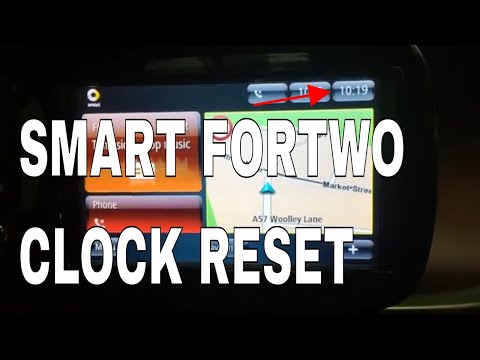
Smart
(2014-2022 /
453)
The guide shows how to set the time on the Smart ForTwo (451) from 2014 to 2021. The procedure is very simple and does not require any special tools.…
Smart
(2007-2015 /
451)
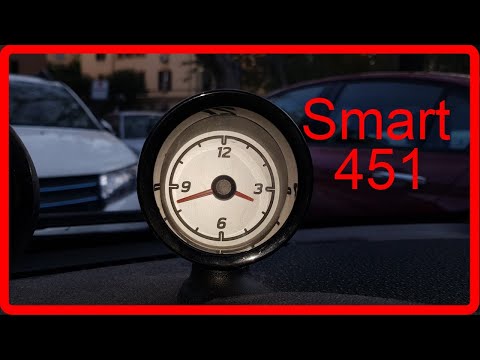
We see in this video a simple operation but that can be very useful if we have a Smart Fortwo 451, the second series of the German 2-seater city car.…
Smart
(2007-2015 /
451)
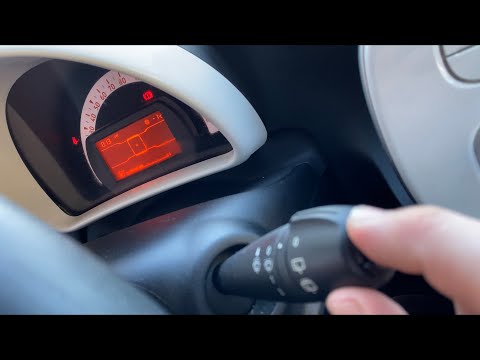
To set the time on your Smart Fortwo, follow these steps. Turn on the instrument panel with the ignition key. Press the top button on the windshield …
Other guides you may be interested in
|
How to Remove the Original Stereo on a Ford Focus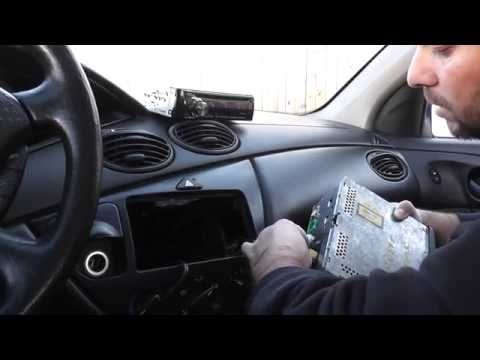
How to remove the original stereo on a Ford Focus? Follow these guidelines for the removal. Use the original or aftermarket metal keys to remove the stereo: insert the keys into the holes on the plastic cover of the stereo, pull the stereo towards you as shown in the video, and carefully extract the stereo while being mindful of the wiring (disconnect the power connectors and the antenna cable). Finally, reinstall the original stereo or a generic brand with the appropriate adapter for the connections. by ScegliAuto More videos
|

|
For advertising on this site Write to info@scegliauto.com
ScegliAuto is not responsible for any inaccuracy of the data in the lists. To report any inaccuracy or your business (if you own the business in question), please write to info@scegliauto.com
Number of seconds to generate the page: 0.058
(c) ScegliAuto 2026 - info@scegliauto.com - Privacy policy VAT number: IT01247470535 |
