
|
Do it yourself
| |||
| ||||


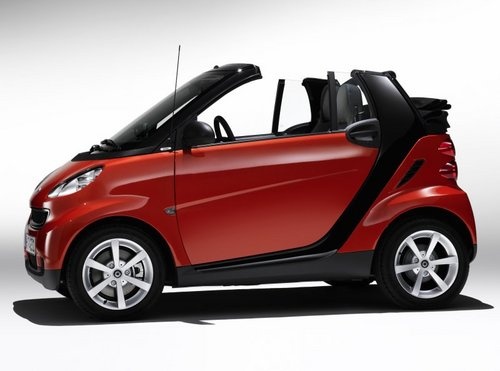
How to Change the Time in the Smart 451
Model: Smart Smart
451
- Years:
2007, 2008, 2009, 2010, 2011, 2012, 2013, 2014, 2015
Video tutorial
In this video, see a simple operation that will be very useful if you own a Smart Fortwo 451, the second series of the two-seater German city car. Let’s find out how to adjust the time on the analogue clock fitted in the vehicle. For the adjustment, there are two buttons located on the back of the clock, very similar to a household clock. The right button will move the hands forward, while the left one will move them backward. You can perform this operation even with the car off, as it is an analogue clock.
Updated on 2 June 2026 by ScegliAuto
Related tutorials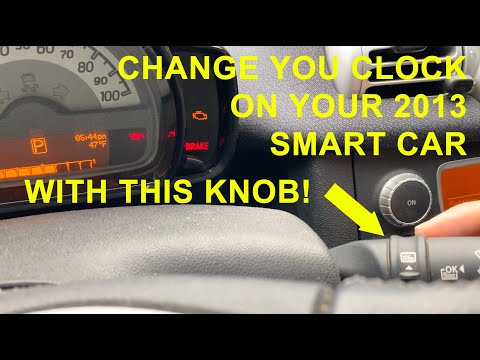
Smart
(2007-2015 /
451)
In this tutorial, you will learn how to set the time in the Smart ForTwo 451. This is a very simple and quick operation to perform after a flat batte…

Smart
(2007-2015 /
451)
Follow these simple instructions to set the clock in a Smart Fortwo 451. First, get inside the vehicle and turn the ignition key to the on position. …

Smart
(2007-2015 /
451)
In this short tutorial video, you will see the method needed to change the time on the onboard computer of your Smart 451, a model produced from 2007…
Other guides you may be interested in
|
How to open the bonnet of a Peugeot 308
To open the bonnet of a Peugeot 308, first enter the vehicle and pull the lever located on the left side of the driver's footwell, next to the door. You should hear a slight "click" indicating the bonnet has released. Then, move to the front of the vehicle. On the left side of the front edge, near the letter "p" in the Peugeot logo, you will find a ring that you need to pull towards you. This will open the bonnet, allowing you to lift it up and secure it with the safety prop. by ScegliAuto More videos
|
|
For advertising on this site Write to info@scegliauto.com
ScegliAuto is not responsible for any inaccuracy of the data in the lists. To report any inaccuracy or your business (if you own the business in question), please write to info@scegliauto.com
Number of seconds to generate the page: 0.066
(c) ScegliAuto 2026 - info@scegliauto.com - Privacy policy VAT number: IT01247470535 |
