
|
Do it yourself
| |||
| ||||


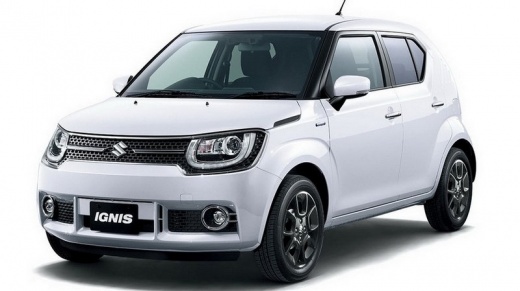
How do you reset the tire pressure warning light in the 2019 Suzuki Ignis?
Model: Suzuki Ignis
MK 3
- Years:
2016, 2017, 2018, 2019, 2020, 2021, 2022, 2023, 2024
This video is currently unavailable
The 2019 Suzuki Ignis is also equipped, like many other cars, with a tire pressure anomaly warning light. It is yellow in color and has the shape of a deflated tire with an exclamation point in the center. In this video, it is illustrated, along with many others, so it is not difficult to distinguish it. It lights up when there is a puncture, or a control sensor is broken, and so on, so you must proceed with the verification and repair. Additionally, we will need to reset the warning light by simply pressing the appropriate button, located on the vehicle dashboard, on the left side, for a few seconds.
Posted on 16 April 2025 by ScegliAuto
Related tutorials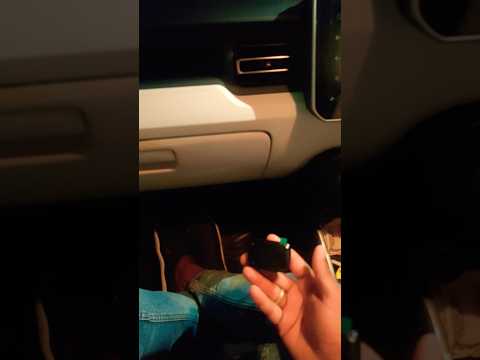
Suzuki Ignis
(2003-2008 /
MK 2)
To turn off the tyre pressure light on a Suzuki Ignis, insert a device capable of checking tyre pressure into the cigarette lighter socket. Once inse…
Suzuki Ignis
(2016-2024 /
MK 3)
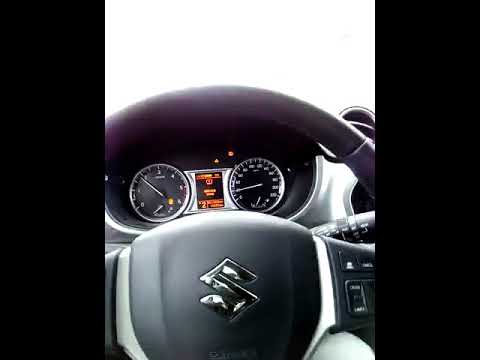
The video demonstrates how to reset the tyre pressure monitoring system (TPMS) on a Suzuki Ignis, but the method is also applicable to the Vitara and…

Suzuki Ignis
(2016-2024 /
MK 3)
By listening to and watching this video tutorial, we can understand exactly how to use a tire inflation kit, provided with Suzuki cars in general, th…
Other guides you may be interested in
|
Frequently Asked QuestionsHow to Activate the Disabled TRC on the Toyota Yaris?
As the video clearly shows, disabling or activating the traction control (TRC or ESP) on the Toyota Yaris is very simple. By default, the traction system activates every time the vehicle is started. To disable it, simply press the button depicting a skidding car located in the centre of the vehicle where the controls are, such as the hazard lights and the radio, but near the handbrake. Once disabled, the TRC off light will illuminate on the dashboard. To reactivate it, just press the same button again. by ScegliAuto More videos
|
For advertising on this site Write to info@scegliauto.com
ScegliAuto is not responsible for any inaccuracy of the data in the lists. To report any inaccuracy or your business (if you own the business in question), please write to info@scegliauto.com
Number of seconds to generate the page: 0.087
(c) ScegliAuto 2026 - info@scegliauto.com - Privacy policy VAT number: IT01247470535 |
