
|
Do it yourself
| |||
| ||||


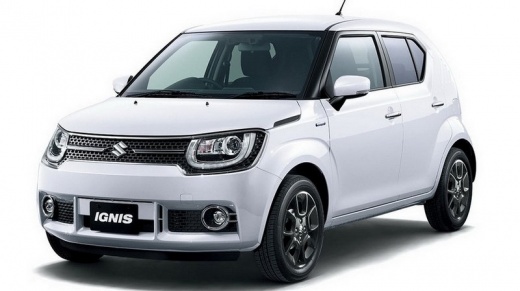
Resetting the Pressure Light on a Suzuki Ignis
Model: Suzuki Ignis
MK 3
- Years:
2016, 2017, 2018, 2019, 2020, 2021, 2022, 2023, 2024
Video tutorial
If the pressure light comes on in your Suzuki Ignis, it means that one or more tyres have lost the initial pressure values recorded by the ECU. Therefore, it is necessary to resolve the issue as soon as possible by consulting an authorised tyre fitter. Once the issue is resolved and the pressures of all four tyres are returned to the correct levels, you can also turn off the illuminated pressure light; reset the light using the button located on the dashboard to the left, holding it down for a few seconds. This way, the parameters will be recorded, which the ECU will check periodically.
Updated on 30 April 2026 by ScegliAuto
Related tutorials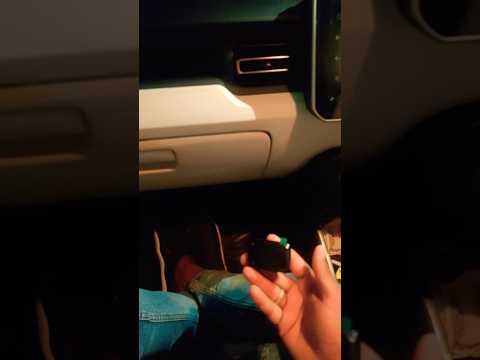
Suzuki Ignis
(2003-2008 /
MK 2)
To turn off the tyre pressure light on a Suzuki Ignis, insert a device capable of checking tyre pressure into the cigarette lighter socket. Once inse…
Suzuki Ignis
(2016-2024 /
MK 3)
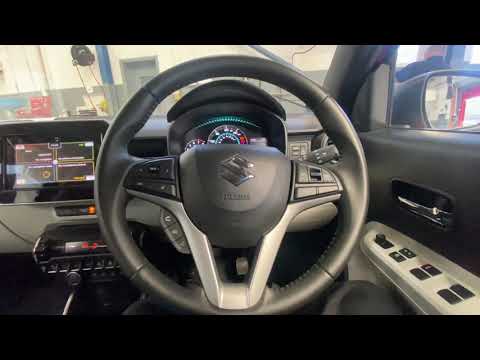
Before you can begin, sit in the driver's seat of your Suzuki Ignis. Start by activating the instrument cluster without starting the engine. Then, ac…
Suzuki Ignis
(2016-2024 /
MK 3)
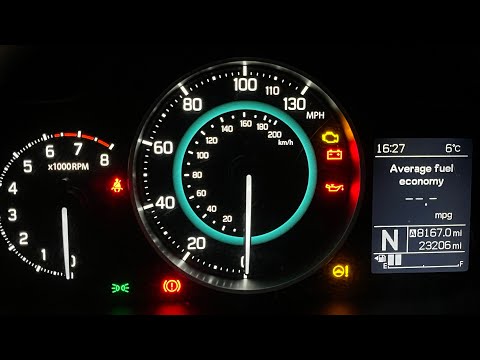
In this new mini guide for all Suzuki Ignis third series owners (2016-2022), follow the necessary steps to complete the manual reset procedure of the…
Other guides you may be interested in |
Frequently Asked QuestionsHow to Activate the Disabled TRC on the Toyota Yaris?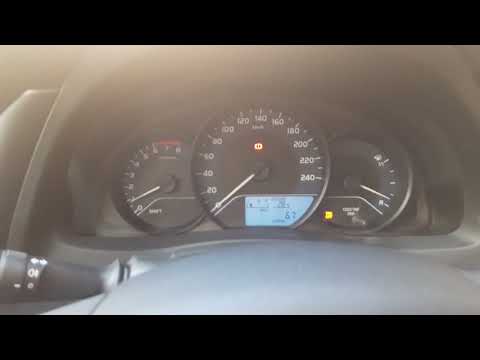
As the video clearly shows, disabling or activating the traction control (TRC or ESP) on the Toyota Yaris is very simple. By default, the traction system activates every time the vehicle is started. To disable it, simply press the button depicting a skidding car located in the centre of the vehicle where the controls are, such as the hazard lights and the radio, but near the handbrake. Once disabled, the TRC off light will illuminate on the dashboard. To reactivate it, just press the same button again. by ScegliAuto More videos
|
For advertising on this site Write to info@scegliauto.com
ScegliAuto is not responsible for any inaccuracy of the data in the lists. To report any inaccuracy or your business (if you own the business in question), please write to info@scegliauto.com
Number of seconds to generate the page: 0.015
(c) ScegliAuto 2026 - info@scegliauto.com - Privacy policy VAT number: IT01247470535 |
