
|
Do it yourself
| |||
| ||||


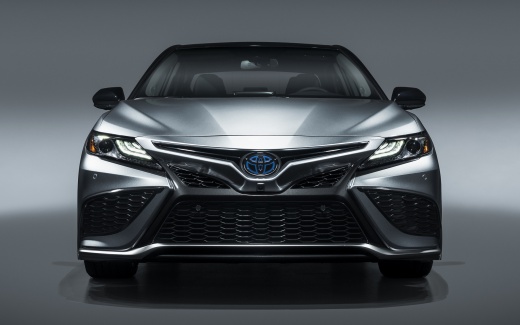
How to Reset the Service Light on a Toyota Camry
Model: Toyota Camry
Xv70
- Years:
2018, 2019, 2020, 2021, 2022, 2023, 2024
Video tutorial
The need to reset the service light, indicated by the wrench icon on the dashboard, is necessary for vehicle maintenance. Each vehicle has its own steps to perform the reset. For a Toyota Camry, follow these steps: - Turn on the ignition; - Press the menu button on the dashboard; - Select "SETTINGS"; - Select "MAINTENANCE"; - Select "YES"; - Turn the ignition off and then back on; After the second ignition, you will have completed the steps to reset the service light.
Updated on 6 October 2026 by ScegliAuto
Related tutorials
Toyota Camry
(2018-2024 /
Xv70)
Today, you will learn how to reset the service light on a 2023 Toyota Camry. To reset the light, press the Menu button on the steering wheel to acces…

Toyota Camry
(2011-2019 /
Xv50)
Resetting the service light related to the oil change and maintenance on a 2016 Toyota Camry is a simple and quick task you can do yourself, aided by…

Toyota Camry
(2011-2019 /
Xv50)
Today we will see how to reset the service light of the 2017 Toyota Camry. To reset the light, press the button on the instrument panel to display th…
Other guides you may be interested in |
How to Reset the Tyre Pressure Light on a Cupra Formentor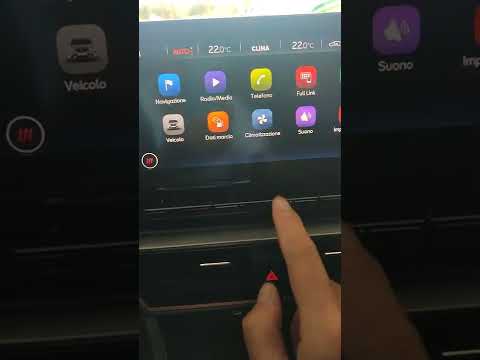
In this brief and simple video tutorial, learn how to reset the tyre pressure on a Cupra Formentor. Start by pressing the ignition button to turn on the instrument cluster. Now, use the touchscreen display on the central console to open the car menu. From here, select the driving data option, then the tyre pressure option. Now, click on the "SET" button with the pressure warning symbol and confirm the correct tyre pressure required by the manufacturer to perform the reset. by ScegliAuto More videos
|
|
For advertising on this site Write to info@scegliauto.com
ScegliAuto is not responsible for any inaccuracy of the data in the lists. To report any inaccuracy or your business (if you own the business in question), please write to info@scegliauto.com
Number of seconds to generate the page: 0.028
(c) ScegliAuto 2026 - info@scegliauto.com - Privacy policy VAT number: IT01247470535 |
