
|
Do it yourself
| |||
| ||||


How to Remove the Telepass Sticker with Simple Amuchina
Model: (Various brands) Various
In this special guide, we will explain how to remove the Telepass sticker and the adhesive from the windscreen without risking damage to the glass itself. To do this, we will use a readily available product that is completely safe for health: Amuchina. In fact, it contains small percentages of alcohol that help eliminate any adhesive residue from the glass, allowing you to remove any sticker with extreme ease. First, pour a small amount of Amuchina onto a soft cloth and gently rub it on the area of the windscreen affected by the adhesive. Once removed, simply peel off the sticker and clean the area by eliminating any remaining dirt and/or adhesive residue.
Updated on 7 May 2026 by ScegliAuto
Video tutorial
Related tutorials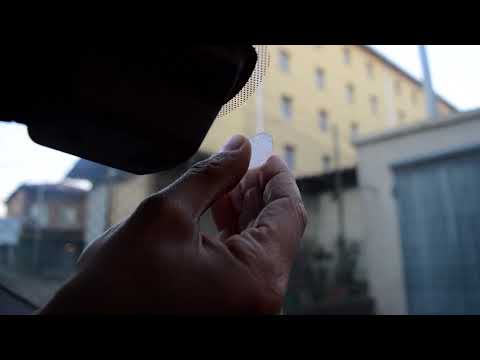
(Various brands) Various
Start by removing the old toll tag by carefully pulling it towards you. Next, remove any adhesive residue left on the windscreen using alcohol or a s…

(Various brands) Various
The installation of the telepass holder is a simple and quick operation to be carried out independently. First of all, the ideal position behind the …
(Various brands) Various
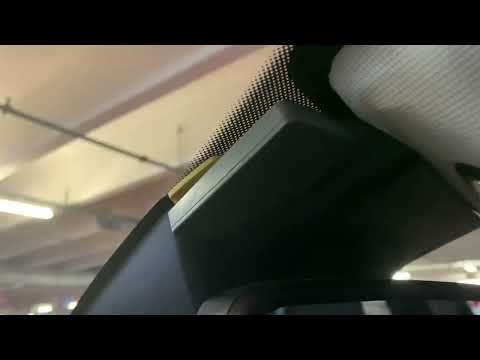
Not everyone knows that the Telepass device can be detached from the car's windscreen. The mechanism is simple, and the video author shows us how it …
Other guides you may be interested in
|
How to Replace the External Wing Mirror on a Ford C MAX
In the event of a breakage, it will be necessary to replace the external wing mirror on the 2011 Ford C MAX. This operation is easily performed independently. Start by removing the internal cover of the mirror with a plastic lever. Then, use a socket wrench to remove the securing pins. Once the pins are removed, you can take off the mirror, but not before disconnecting the power connectors. Then proceed to fit the new mirror. First, connect the connectors and then secure the mirror to its housing with the pins. Refit the plastic cover and test the operation of the electric mirror using the controls. by ScegliAuto More videos
|
|
For advertising on this site Write to info@scegliauto.com
ScegliAuto is not responsible for any inaccuracy of the data in the lists. To report any inaccuracy or your business (if you own the business in question), please write to info@scegliauto.com
Number of seconds to generate the page: 0.819
(c) ScegliAuto 2026 - info@scegliauto.com - Privacy policy VAT number: IT01247470535 |
