
|
Do it yourself
| |||
| ||||


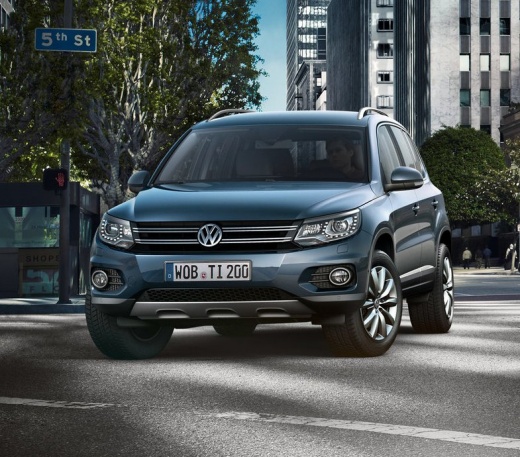
How do you reset the tire pressure warning light on the Volkswagen Tiguan?
Model: Volkswagen Tiguan
5N, MK 1
- Years:
2007, 2008, 2009, 2010, 2011, 2012, 2013, 2014, 2015, 2016
Video tutorial
To reset the tire pressure warning light on the Volkswagen Tiguan, you will need to inflate the tires to the recommended pressure value: this value will be indicated on the sticker attached to the driver's side door pillar. Once the tires have been inflated, you can access the menu by pressing the appropriate button on the right side of the steering wheel: then you can scroll to select the option related to tire pressure. You can now select the "Reset" option with the OK button on the right side of the steering wheel, making sure that the warning light has disappeared.
Posted on 9 June 2025 by ScegliAuto
Related tutorials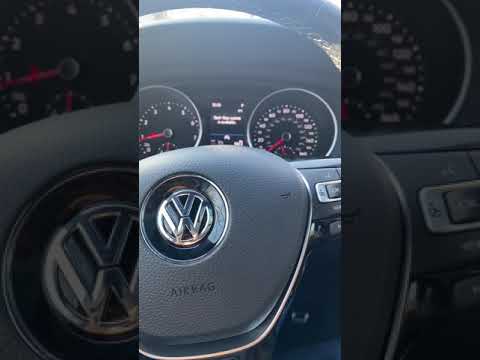
Volkswagen Tiguan
(2016-2025 /
BW, MK 2, AD)
To reset the tyre pressure warning light on the Volkswagen Tiguan, turn on the ignition and press the icon with the gears located at the bottom right…

Volkswagen Tiguan
(2016-2025 /
BW, MK 2, AD)
Let’s briefly discover the steps to reset the tyre pressure warning light on the Volkswagen Tiguan; before resetting the TPMS sensors, ensure that al…

Volkswagen Tiguan
(2016-2025 /
BW, MK 2, AD)
If, when you start the instrument cluster of your 2024 Volkswagen Tiguan, the tire warning light appears, it means that abnormal tire pressures have …
Other guides you may be interested in
|
How to Reset the Tyre Pressure Warning Light on the Opel Mokka?
To reset the tyre pressure warning light on the Opel Mokka, turn on the ignition by inserting the key into the ignition switch. Once the ignition is on, navigate through the menu that appears on the dashboard by pressing the MENU button on the lever to the left of the steering wheel. When the tyre pressure option appears, press and hold the SET/CLR button located on the same lever. This will reset the warning light, and you can then turn off the ignition. by ScegliAuto More videos
|
|
For advertising on this site Write to info@scegliauto.com
ScegliAuto is not responsible for any inaccuracy of the data in the lists. To report any inaccuracy or your business (if you own the business in question), please write to info@scegliauto.com
Number of seconds to generate the page: 0.110
(c) ScegliAuto 2026 - info@scegliauto.com - Privacy policy VAT number: IT01247470535 |
