
|
Do it yourself
| |||
| ||||


Model: Yamaha Mt 07
In this video we can see the features of the infotainment system of the Yamaha MT-07, which has a 5" screen, a light sensor that prevents being dazzled at night. From the right handlebar we can rotate through various options, including connectivity with our smartphone. We also have the option of two different interfaces: touring and street. In the touring interface we have the tachometer, fuel level indicator, coolant temperature indicator, and speedometer, as well as standard information such as mileage, time, and other generic information. Of course, we also have the option to reset the service reminder and all the normal settings that make it similar to a car's multifunction screen.
Posted on 11 December 2024 by ScegliAuto
Video tutorial
Related tutorials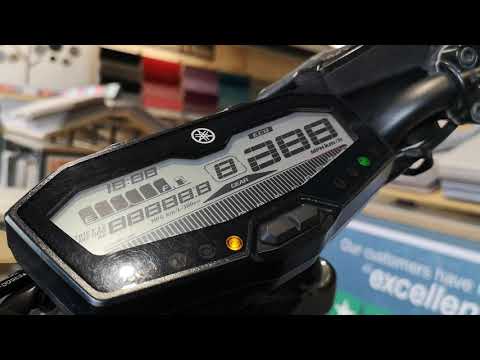
Mt 07
To manually change the time displayed on the dashboard of your Yamaha MT07, carefully read the following guide and follow the steps described. First,…
Mt 07
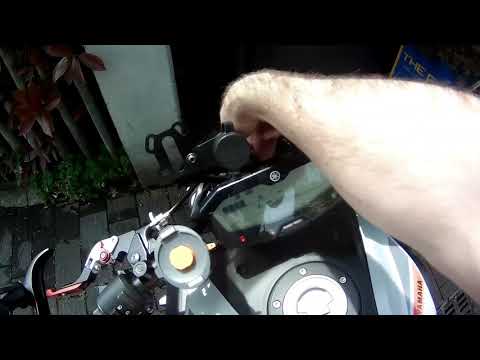
In this video, see how to correctly set brightness and time on the Yamaha MT07: Without turning on the ignition, press and hold the left button, then…

Mt 07
In this video, we can see how it is possible to solve a problem that affects the Yamaha MT07, with a very economical modification: in fact, this moto…
|
How to Remove the Engine from the Piaggio Vespa GTS 250 - 300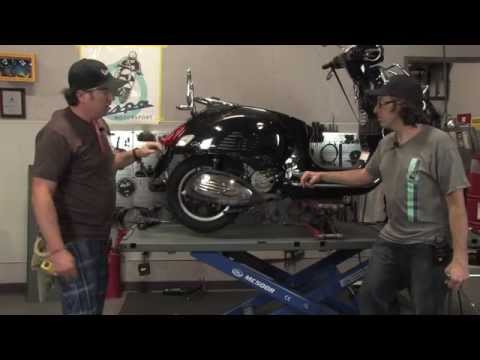
In this guide, you will learn how to remove the engine block from the body of the Piaggio Vespa GTS 250 and GTS 300. First, place your scooter on the centre stand and begin by removing the exhaust silencer by unscrewing the bolts; then, unscrew the central bolt of the wheel hub and remove the entire wheel, as shown in the video. At this point, disconnect the suspension from the engine block by detaching the fuel lines and various wiring; then, remove the engine block, applying the reverse procedure for reassembly! by ScegliAuto More videos
|
|
For advertising on this site Write to info@scegliauto.com
ScegliAuto is not responsible for any inaccuracy of the data in the lists. To report any inaccuracy or your business (if you own the business in question), please write to info@scegliauto.com
Number of seconds to generate the page: 0.007
(c) ScegliAuto 2026 - info@scegliauto.com - Privacy policy VAT number: IT01247470535 |
