
|
Do it yourself
| |||
| ||||


Model: Yamaha Mt 07
To manually change the time displayed on the dashboard of your Yamaha MT07, carefully read the following guide and follow the steps described. First, insert the key and turn on the ignition. Then, press and hold the two buttons located in the lower central part of the dashboard simultaneously, and release them as soon as the hour digits start to flash. At this point, use the right button to change the hours and press the left button to move to the minutes. Repeat the same operation, and you are done.
Updated on 5 September 2026 by ScegliAuto
Video tutorial
Related tutorials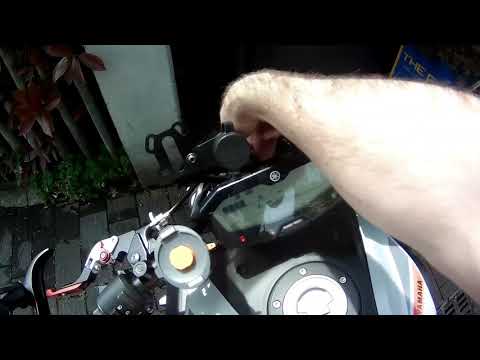
Mt 07
In this video, see how to correctly set brightness and time on the Yamaha MT07: Without turning on the ignition, press and hold the left button, then…

Mt 07
In this video we can see how to make some settings on the display of the Yamaha MT07: changing the time and the setting from miles to kilometers. Let…
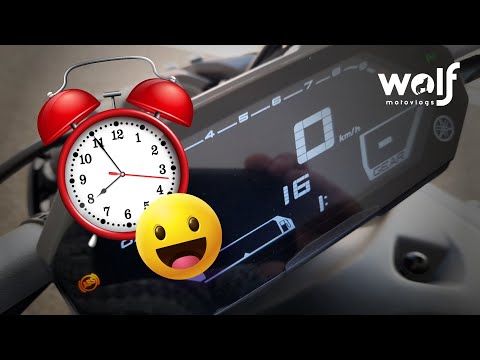
Mt 07
If the display on your new Yamaha MT 07 (2022 model) shows a time different from the correct one and you want to change it manually, carefully read t…
|
How to Remove the Engine from the Piaggio Vespa GTS 250 - 300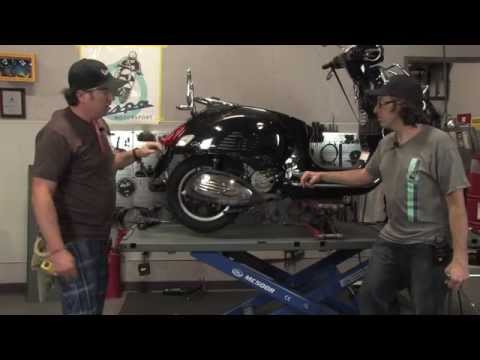
In this guide, you will learn how to remove the engine block from the body of the Piaggio Vespa GTS 250 and GTS 300. First, place your scooter on the centre stand and begin by removing the exhaust silencer by unscrewing the bolts; then, unscrew the central bolt of the wheel hub and remove the entire wheel, as shown in the video. At this point, disconnect the suspension from the engine block by detaching the fuel lines and various wiring; then, remove the engine block, applying the reverse procedure for reassembly! by ScegliAuto More videos
|
|
For advertising on this site Write to info@scegliauto.com
ScegliAuto is not responsible for any inaccuracy of the data in the lists. To report any inaccuracy or your business (if you own the business in question), please write to info@scegliauto.com
Number of seconds to generate the page: 0.006
(c) ScegliAuto 2026 - info@scegliauto.com - Privacy policy VAT number: IT01247470535 |
