
|
Do it yourself
| |||
| ||||


Model: Yamaha Mt 07
If the display on your new Yamaha MT 07 (2022 model) shows a time different from the correct one and you want to change it manually, carefully read the following guide and follow the instructions. First, place the bike on its stand and turn on the ignition. At this point, press the button on the left knob multiple times until "16" appears on the display. Then, press and hold the same button upwards and release it as soon as the hour starts to flash. Finally, manually adjust the hour and minute digits, and when finished, press the button down once more to save the changes.
Updated on 25 July 2026 by ScegliAuto
Video tutorial
Related tutorials
Mt 07
Today we will see the instructions that will allow us to set the time on the display of the instrument panel of the Yamaha MT 07 motorcycle. First of…

Mt 07
This tutorial shows how to set the time on a Yamaha MT-07, a very simple and quick operation to perform after disconnecting the battery or after the …
Mt 07
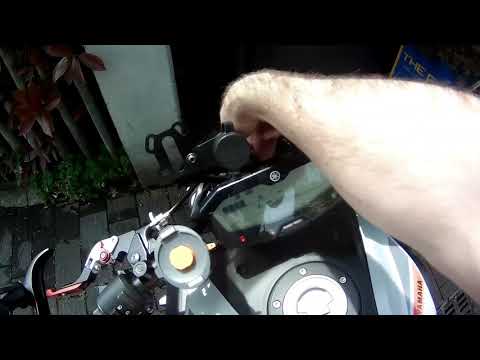
In this video, see how to correctly set brightness and time on the Yamaha MT07: Without turning on the ignition, press and hold the left button, then…
|
How to Reset the Oil Service on the Yamaha YZF-R25?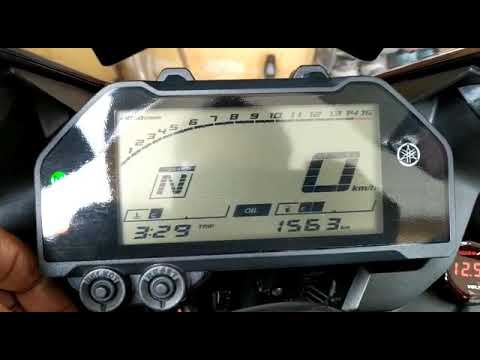
In this tutorial, see how to reset the oil service on the Yamaha YZF-R25, a very simple and quick operation. Before proceeding, ensure that all required scheduled maintenance tasks are completed. Start by inserting the key and turning on the instrument panel; it is not necessary to start the engine. Then, by repeatedly pressing the left button on the dashboard, navigate to the mileage interval labelled "OIL". Once done, press and hold the right button for about 5 seconds, or for the time necessary to reset the interval correctly. by ScegliAuto More videos
|
|
For advertising on this site Write to info@scegliauto.com
ScegliAuto is not responsible for any inaccuracy of the data in the lists. To report any inaccuracy or your business (if you own the business in question), please write to info@scegliauto.com
Number of seconds to generate the page: 0.060
(c) ScegliAuto 2026 - info@scegliauto.com - Privacy policy VAT number: IT01247470535 |
