
|
Do it yourself
| |||
| ||||


|
Model: Yamaha Xcity 250
Today we will see the main instructions that will show us how to reset the service light for the regular maintenance of the Yamaha Xcity 250 scooter. First, put the scooter on the stand and start the instrument panel by pressing the left button until you reach the Trip A option; turn off the instrument panel and hold down both buttons, then turn on the instrument panel, as shown in the video. At this point, wait for about five seconds, completing the reset of the service warning from the instrument panel!
Posted on 21 September 2025 by ScegliAuto
Video tutorial
Related tutorials
Xcity 250
Today's video will show us the instructions that will allow us to reset the maintenance service light for the oil change of the Yamaha Xcity 350. Fir…
Xcity 250
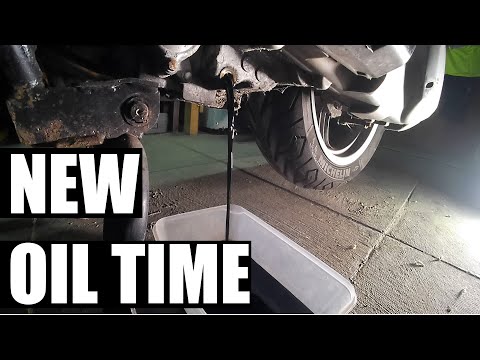
The engine oil and oil filter should be replaced at regular intervals to ensure the proper functioning of the engine; let's see how to perform the se…
|
How to Replace the Front Headlight on the Husqvarna 701?
In this tutorial, you will see how to replace the front headlight on the Husqvarna 701, a very simple and quick operation. First, ensure that the key is not inserted, then position yourself in front of the motorcycle, locate the four bolts on either side of the headlamp, and unscrew them using a Torx T30 key. Next, pull the entire assembly towards you, separate it from the support, and disconnect the power connector. At this point, you can separate the headlight from the panel, position the replacement, and reassemble everything by following the reverse procedure. by ScegliAuto More videos
|
|
For advertising on this site Write to info@scegliauto.com
ScegliAuto is not responsible for any inaccuracy of the data in the lists. To report any inaccuracy or your business (if you own the business in question), please write to info@scegliauto.com
Number of seconds to generate the page: 0.006
(c) ScegliAuto 2026 - info@scegliauto.com - Privacy policy VAT number: IT01247470535 |
