
|
Do it yourself
| |||
| ||||


Model: Yamaha Mt 07
To replace the battery of the Yamaha MT-07, lift the corners of the seat padding to loosen the screws underneath and completely remove the seat. Once the seat is removed, you can access the battery, which must be freed from the cross bracket by loosening the corresponding bolts. At this point, disconnect the terminals connected to the battery and extract it from its housing. When the old battery has been removed, insert a new replacement part, which must be properly secured and connected.
Updated on 30 April 2026 by ScegliAuto
Video tutorial
Related tutorials
Mt 07
Let's see how to replace the 12V power battery in the Yamaha MT 07. First, remove the passenger seat, then unscrew the two bolts of the fixing bracke…

Mt 07
You can replace the battery in the Yamaha MT-07 by inserting the key into the side lock located at the bottom of the passenger seat: this will releas…
Mt 07
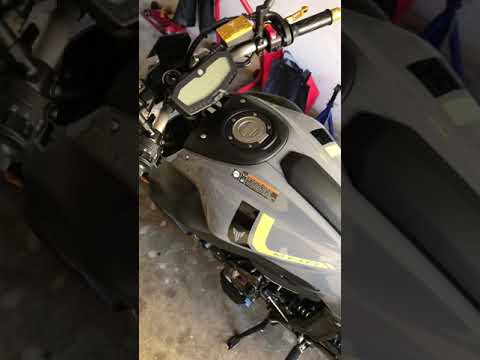
Before you begin, position your Yamaha MT-07 on its side stand. Start by removing the rider's seat by undoing the lower fixing bolts. Next, remove th…
|
How to Reset the Oil Service on the Yamaha YZF-R25?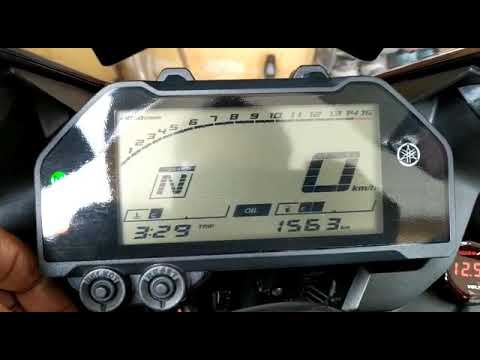
In this tutorial, see how to reset the oil service on the Yamaha YZF-R25, a very simple and quick operation. Before proceeding, ensure that all required scheduled maintenance tasks are completed. Start by inserting the key and turning on the instrument panel; it is not necessary to start the engine. Then, by repeatedly pressing the left button on the dashboard, navigate to the mileage interval labelled "OIL". Once done, press and hold the right button for about 5 seconds, or for the time necessary to reset the interval correctly. by ScegliAuto More videos
|
|
For advertising on this site Write to info@scegliauto.com
ScegliAuto is not responsible for any inaccuracy of the data in the lists. To report any inaccuracy or your business (if you own the business in question), please write to info@scegliauto.com
Number of seconds to generate the page: 0.063
(c) ScegliAuto 2026 - info@scegliauto.com - Privacy policy VAT number: IT01247470535 |
