
|
Do it yourself
| |||
| ||||


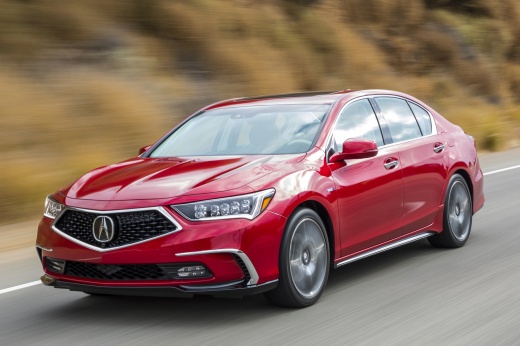
How to Change the Wallpaper in the Acura Rlx?
Model: Acura Rlx
KC1, KC2
- Years:
2014, 2015, 2016, 2017, 2018, 2019, 2020
Video tutorial
The video shows how to change the clock wallpaper in the latest model of Acura Rlx, the 2020 version. After turning on the radio, click the "info" button located on the center console. You can easily find it because it is positioned at the top right compared to the "Enter" button, which is significantly larger and therefore easier to locate. Once you click on "info", select the "Wallpaper setting" option and from there choose between the three available versions: blank screen behind the clock, galaxy background, or a metallic tone.
Updated on 27 May 2026 by ScegliAuto
Related tutorials
Acura Rlx
(2014-2020 /
KC1, KC2)
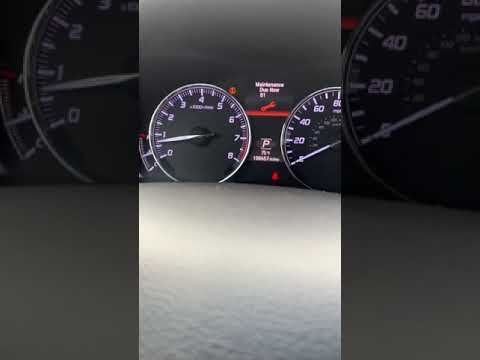
In this tutorial, you will see how to reset the service light on an Acura RLX, a very simple and quick operation that should only be performed after …
Acura Rlx
(2014-2020 /
KC1, KC2)
To reset the maintenance light on your Acura RLX, simply follow the quick and easy steps described below. First, turn on the instrument panel and the…
Acura Rlx
(2014-2020 /
KC1, KC2)
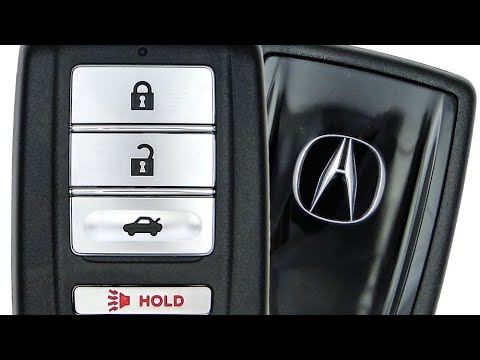
In this tutorial, you will see how to replace the battery in the Acura RLX remote, a very simple and inexpensive operation. To do this, you will only…
Other guides you may be interested in
|
How to Open the Fuel Flap on a Volkswagen Tiguan?
To open the fuel flap on a Volkswagen Tiguan, first unlock the car using the appropriate button on the remote. This will open the car and unlock the mechanism that controls the fuel flap. At this point, apply light pressure to the left side of the flap to open it and access the cap underneath. Once this is unscrewed, you can refuel and then close everything. by ScegliAuto More videos
|
|
For advertising on this site Write to info@scegliauto.com
ScegliAuto is not responsible for any inaccuracy of the data in the lists. To report any inaccuracy or your business (if you own the business in question), please write to info@scegliauto.com
Number of seconds to generate the page: 0.076
(c) ScegliAuto 2026 - info@scegliauto.com - Privacy policy VAT number: IT01247470535 |
