
|
Do it yourself
| |||
| ||||


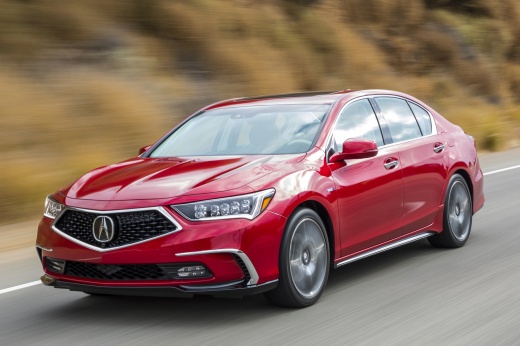
How to Activate Valet Mode in the Acura Rlx?
Model: Acura Rlx
KC1, KC2
- Years:
2014, 2015, 2016, 2017, 2018, 2019, 2020
Video tutorial
Valet mode in Acura Rlx vehicles is activated through the touchscreen of the audio display. Start by tapping the virtual "shortcuts" button located in the top right corner of the screen, then click on "valet," also in the top right. Click on all three options presented to check them, then tap OK. Choose a four-digit PIN code and press OK again twice. This mode protects the vehicle from unauthorized use by blocking the navigation system, calling functions, and the glove compartment.
Updated on 16 July 2026 by ScegliAuto
Related tutorials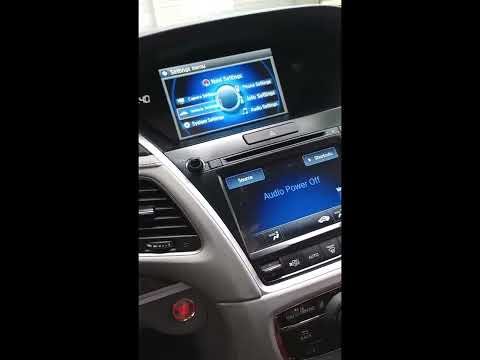
Acura Rlx
(2014-2020 /
KC1, KC2)
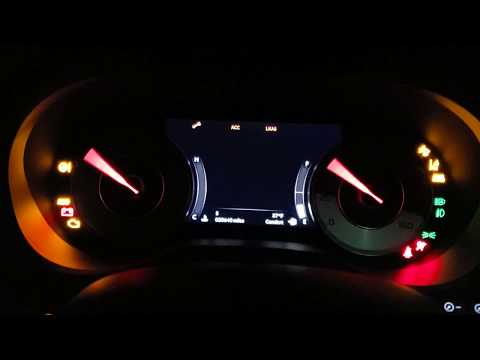
In this guide, you will learn how to manually reset the oil light on your 2020 Acura RLX. First, start the instrument cluster and the central onboard…
Acura Rlx
(2014-2020 /
KC1, KC2)
In this tutorial, you will see how to reset the oil service light in the Acura RLX, a very simple operation. Before proceeding, make sure you have co…

Acura Rlx
(2014-2020 /
KC1, KC2)
In this guide for 2014 Acura RLX owners, you will learn how to manually set the time. First, get inside the vehicle and turn on the instrument cluste…
Other guides you may be interested in
|
How to Open the Fuel Flap on a Volkswagen Tiguan?
To open the fuel flap on a Volkswagen Tiguan, first unlock the car using the appropriate button on the remote. This will open the car and unlock the mechanism that controls the fuel flap. At this point, apply light pressure to the left side of the flap to open it and access the cap underneath. Once this is unscrewed, you can refuel and then close everything. by ScegliAuto More videos
|
|
For advertising on this site Write to info@scegliauto.com
ScegliAuto is not responsible for any inaccuracy of the data in the lists. To report any inaccuracy or your business (if you own the business in question), please write to info@scegliauto.com
Number of seconds to generate the page: 0.012
(c) ScegliAuto 2026 - info@scegliauto.com - Privacy policy VAT number: IT01247470535 |
