
|
Do it yourself
| |||
| ||||


How to Update the Satellite Navigator on the Alfa Romeo Giulietta
Model: Alfa Romeo Giulietta
MK 1
- Years 2010-2020
Updating the maps of the satellite navigator will improve route finding and often the graphics as well; the maps are loaded onto an SD card located just below the navigator monitor, centrally positioned, practically under the parking indicator button; first, you need to find the update file, which is very easy to find online; once you download the update to your PC, copy it onto the SD card which, once inserted into the relevant slot, will be recognised and the update function will activate, requiring you to confirm all steps until the device restarts.
Updated on 22 February 2026 by ScegliAuto
Video tutorial
Related tutorials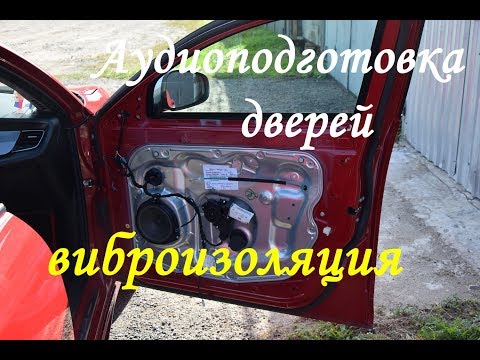
Alfa Romeo Giulietta
(2010-2020 /
MK 1)
Dismantling the door panel on the Alfa Romeo Giulietta is a straightforward and quick task. First, unclip the small cover located at the back of the …

Alfa Romeo Giulietta
(2010-2020 /
MK 1)
To remove the battery from an Alfa Romeo Giulietta, open the bonnet and locate the battery in the engine bay. Remove the plastic cover that protects …
Alfa Romeo Giulietta
(2010-2020 /
MK 1)
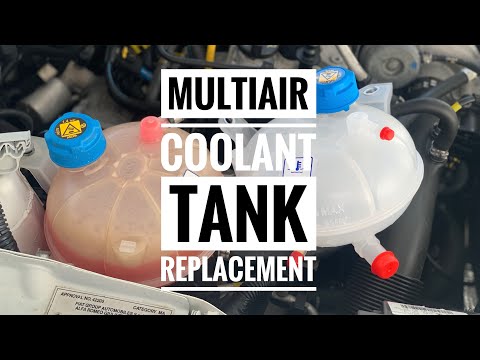
This video shows where the coolant reservoir is located in the Alfa Romeo Giulietta and how to replace it, a very simple and quick operation. As show…
Other guides you may be interested in
|
How to Connect the Cables to the Battery of the Citroen Xsara Picasso?
In this tutorial, you will see how to connect the cables to the battery of the Citroen Xsara Picasso, useful if you need to recharge it or perform an emergency start. First, ensure the key is not inserted, then open the bonnet and move to the front of the left headlamp. Next, locate the bolt just behind the filter box and connect the positive terminal clamp to it. Now you can connect the negative terminal to any point on the chassis, such as the indicated point. Once the operation is complete, ensure you disconnect the negative first and then the positive. by ScegliAuto More videos
|
|
For advertising on this site Write to info@scegliauto.com
ScegliAuto is not responsible for any inaccuracy of the data in the lists. To report any inaccuracy or your business (if you own the business in question), please write to info@scegliauto.com
Number of seconds to generate the page: 0.084
(c) ScegliAuto 2026 - info@scegliauto.com - Privacy policy VAT number: IT01247470535 |
