
|
Do it yourself
| |||
| ||||


|
Model: Aprilia Sportcity 125
To manually reset the service light that stays illuminated on the instrument panel of your Aprilia Sport City 125, follow this simple procedure. First, ensure that your Aprilia Sport City is completely off. Then, locate the "Mode" button on the right-hand dial and press it to the left. At the same time, insert the key and turn on the ignition. Wait a few seconds, and as soon as the light goes off, release the button, and you are done.
Updated on 16 July 2026 by ScegliAuto
Video tutorial
Related tutorials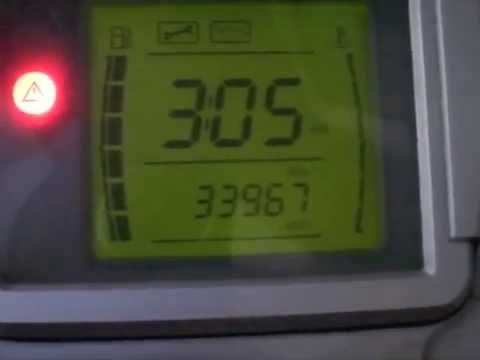
Sportcity 125
To adjust the clock on the Aprilia Sportcity 125, turn on the instrument panel by rotating the key in the ignition switch. Once the panel is on, pres…
Sportcity 125
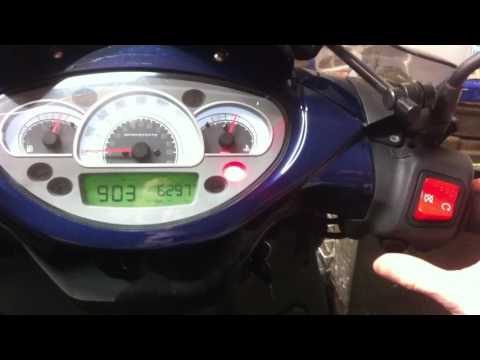
To set the clock on the Aprilia Sportcity 125, turn the ignition key in the ignition switch to power on the instrument panel. Once the panel is on, p…

Sportcity 125
In today's tutorial video, you will learn how to change the engine oil during the regular maintenance interval of an Aprilia Sportcity 125 scooter in…
|
How to Access the Battery in the Benelli 180S?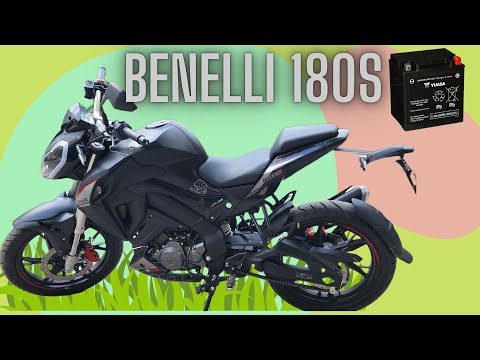
In this tutorial, you will see how to access the battery in the Benelli 180S, a very simple operation useful if you need to recharge or replace it. First, ensure that the key is not inserted, then remove the passenger seat and, using the provided keys, unscrew the two bolts securing the rider's seat. Once removed, unscrew the screws of the upper plastic bracket, disconnect both terminals starting with the negative, and extract the battery from its housing. To install a replacement, simply follow the reverse procedure. by ScegliAuto More videos
|
|
For advertising on this site Write to info@scegliauto.com
ScegliAuto is not responsible for any inaccuracy of the data in the lists. To report any inaccuracy or your business (if you own the business in question), please write to info@scegliauto.com
Number of seconds to generate the page: 0.006
(c) ScegliAuto 2026 - info@scegliauto.com - Privacy policy VAT number: IT01247470535 |
