
|
Do it yourself
| |||
| ||||


Aprilia Rsv - Video guides Aprilia Rsv
 How to replace the motor oil in the Aprilia RSV4? In this tutorial we can see how to replace the engine oil in the Aprilia RSV4, an extremely simple and quick operation. First of all, we wait for the engine to …Read all… Posted on 26 December 2024 by ScegliAuto  Aprilia Rsv
 How to replace the motor oil in the Aprilia RSV? In this tutorial we can see how to replace the engine oil in the Aprilia RSV, an extremely simple and quick operation, to be carried out every 12 months. First …Read all… Posted on 24 August 2024 by ScegliAuto 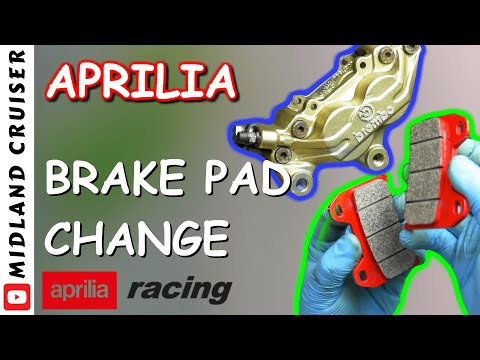 Aprilia Rsv
 How to Replace the Front Brake Pads on an Aprilia RSV? In this tutorial, you will see how to replace the front brake pads on an Aprilia RSV, a very simple and quick operation. First, open the cap of the brake fluid …Read all… Posted on 20 September 2026 by ScegliAuto 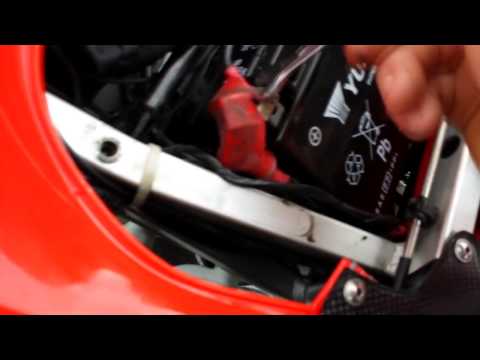 Aprilia Rsv
 Battery Replacement or Charging for Aprilia RSV1000 In this guide, you will see how to charge or replace the battery of an Aprilia RSV 1000. First, remove the rider's seat by unscrewing two hex screws from …Read all… Posted on 27 March 2026 by ScegliAuto  Aprilia Rsv
 How to Change Engine Oil on an Aprilia Rsv How to change the engine oil on an Aprilia Rsv? Follow this guide to proceed. Position the motorcycle on the original stand, unscrew the securing screws of the …Read all… Posted on 26 March 2026 by ScegliAuto |
How to reset the tyre pressure warning light on a Hyundai Tucson
Below are the instructions to reset the tyre pressure warning light (TPMS) on a Hyundai Tucson. First, get into the vehicle and turn on the instrument cluster; then navigate to the vehicle settings until you reach the tyre pressure monitor, identifying the tyre with incorrect pressure. At this point, restore all tyre pressures according to the specifications indicated on the label; this will reset the TPMS and the warning light will be cleared from the instrument cluster! by ScegliAuto More videos
|
|
For advertising on this site Write to info@scegliauto.com
ScegliAuto is not responsible for any inaccuracy of the data in the lists. To report any inaccuracy or your business (if you own the business in question), please write to info@scegliauto.com
Number of seconds to generate the page: 0.015
(c) ScegliAuto 2026 - info@scegliauto.com - Privacy policy VAT number: IT01247470535 |
