
|
Do it yourself
| |||
| ||||


|
In this article, we will show you how to adjust the time on the Audi Q5. First, you need to start the instrument cluster. After starting the instrument cluster, press the CAR button located on the center console. Then, press the SETUP button, followed by the left arrow button located to the left of the control, as shown in the tutorial video. Now, the menu for date and time will open. Press the "wheel" button to confirm the time, and now you can adjust the time by rotating the wheel. Then confirm by pressing the wheel again, and now adjust the minutes and confirm once more. At this point, the procedure will be complete, so restart the display to verify that the process was successful.
Posted on 21 December 2025 by ScegliAuto
Video tutorial
Related tutorials
Audi Q5
(2017-2025 /
80A, MK 2)
In this video, we will see how to set the time on an Audi Q5, specifically, but more generally on most Audi cars: we activate the MMI display, and th…

Audi Q5
(2017-2025 /
80A, MK 2)
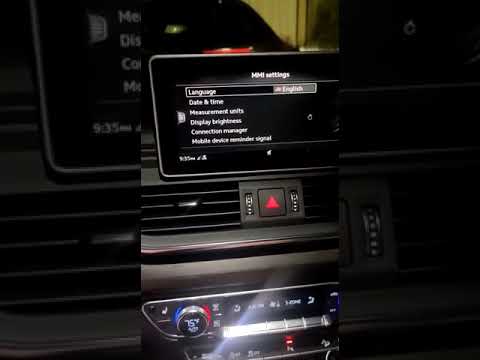
Today we will see the instructions that will allow us to set the time on the display of the instrument panel of the Audi Q5. First of all, we get on …
Audi Q5
(2017-2025 /
80A, MK 2)
If you want to learn how to manually adjust the brightness of the onboard computer display in your second-generation Audi Q5 (2018), simply follow th…
Other guides you may be interested in
|
How to Replace the Fuel Filter on a Ford Focus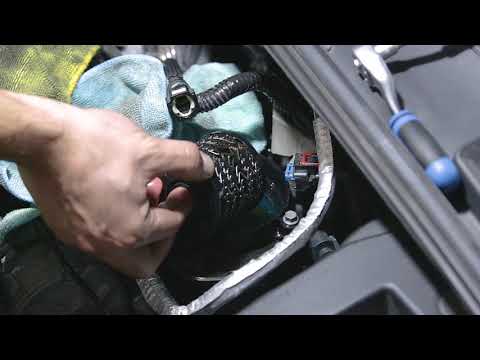
Want to replace the fuel filter on your car without incurring labour costs? Follow this guide to remove the fuel filter on a Ford Focus yourself. First, lift the bonnet and secure it. Once you locate the fuel filter, disconnect it from the pipes and wiring. Use a spanner and socket to unscrew the securing bolts of the upper filter cover, then unscrew the central bolt on the filter. Remove the worn filter and refit the cap with the new filter. Reattach the filter cover in the engine bay with all its parts (pipes and wiring). by ScegliAuto More videos
|

|
For advertising on this site Write to info@scegliauto.com
ScegliAuto is not responsible for any inaccuracy of the data in the lists. To report any inaccuracy or your business (if you own the business in question), please write to info@scegliauto.com
Number of seconds to generate the page: 0.058
(c) ScegliAuto 2026 - info@scegliauto.com - Privacy policy VAT number: IT01247470535 |
