
|
Do it yourself
| |||
| ||||


How to reset the Audi A4 maintenance warning light
Model: Audi A4
B7
- Years 2004-2008
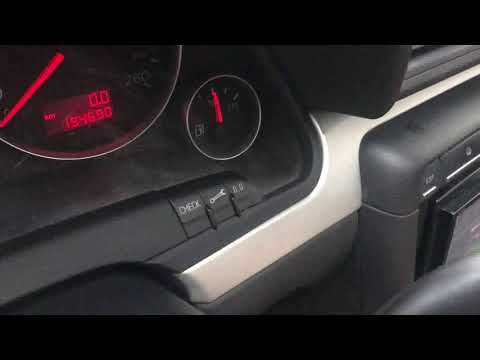
In this our new mini guide dedicated to your Audi A4 (model B7) we will explain how to correctly perform the manual reset of the maintenance warning light that appears on the dashboard of your car. First of all, turn off your Audi A4 completely and identify the buttons located in the lower right area of the panel. Then hold down the button with a small wrench shown above and at the same time turn on the ignition. Once this is done, release the button you used previously and press "0.0" immediately to its right. At this point the reset is completed successfully.
Posted on 16 July 2022 by ScegliAuto
Video tutorial
Related tutorials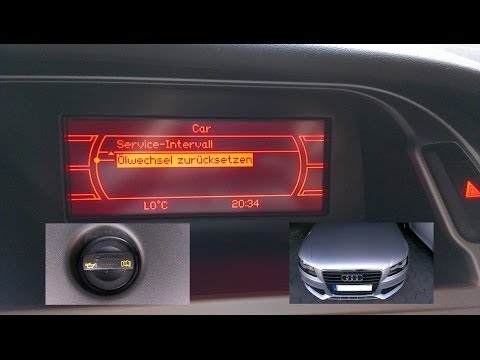
Audi A4
(2007-2016 /
B8)
In order to reset the Audi A4 B8 Service warning light, you need to switch on the instrument panel and navigate through the menu that appears on the …
Audi A4
(2014-2024 /
B9)
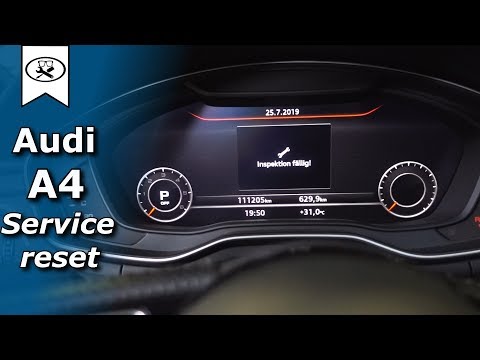
In order to reset the Audi A4 B9 Service warning light, you need to turn on the instrument panel and navigate to the menu that will appear on the cen…
Audi A4
(2004-2008 /
B7)
If you are a good maintenance technician and do the servicing yourself, without going to the workshop, you will also want to know how to reset the se…
Other guides you may be interested in
|
How to Remove the Front Bumper on a Renault Clio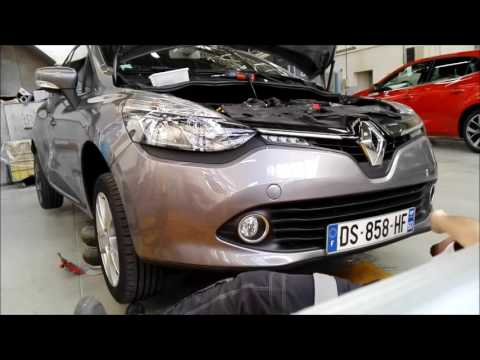
Want to remove the front bumper on a Renault Clio? Let's see how to proceed with the disassembly in the video: open the bonnet by pulling the bonnet release lever and secure it. Unscrew the fastening pins of the upper cover of the front bumper using a socket wrench. Unscrew the screws on the front bumper, unscrew the screws under the splash guard and under the bumper. Remove the bumper from the body of the vehicle, unscrew the pins located at the side of the headlight (if you need to replace it). Fit the new bumper with the associated pins onto the vehicle, following the steps taken during disassembly. by ScegliAuto More videos
|

|
For advertising on this site Write to info@scegliauto.com
ScegliAuto is not responsible for any inaccuracy of the data in the lists. To report any inaccuracy or your business (if you own the business in question), please write to info@scegliauto.com
Number of seconds to generate the page: 0.055
(c) ScegliAuto 2026 - info@scegliauto.com - Privacy policy VAT number: IT01247470535 |
