
|
Do it yourself
| |||
| ||||


How to reset the MMI system on an Audi Q7
Model: Audi Q7
MK 2, 4M
- Years 2015-2024
In this very useful video tutorial today you will see how to reset the MMI system on your Audi Q7, second generation model produced from 2015 onwards. This operation is very useful in case of malfunction or blockage of the car's navigation system, but let's see how to proceed immediately. So, performing this operation is very simple, you just need to press three buttons simultaneously located on the central console panel, the "RADIO" button, the "NAV/MAP" button and finally the central knob as shown in the video. Once you have done this, you will see the navigation display turn off automatically and the system reboot will start.
Posted on 9 April 2024 by ScegliAuto
Video tutorial
Related tutorials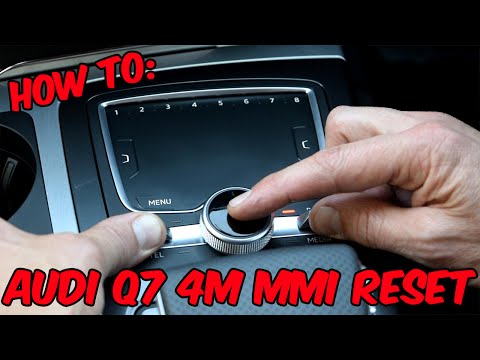
Audi Q7
(2015-2024 /
MK 2, 4M)
In this tutorial we can see how to reset the MMI multimedia system in the Audi Q7, an extremely simple and fast operation, to be carried out for exam…

Audi Q7
(2015-2024 /
MK 2, 4M)
In this video, we will see how to reset the MMI, which is the integrated infotainment system of Audi: the reset system varies slightly depending on t…
Audi Q7
(2006-2015 /
MK 1, 4L)
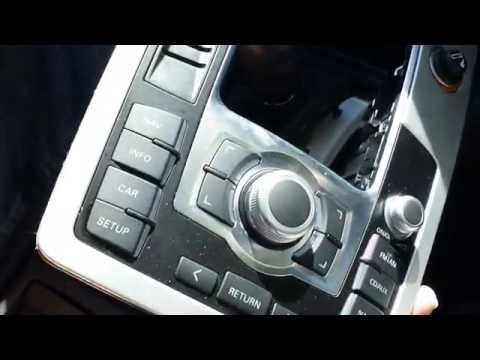
The MMI (Multi Media Interface) system is essentially an advanced entertainment and information system that manages both entertainment sources (radio…
Other guides you may be interested in |
Remove Front Door Panel on Opel Insignia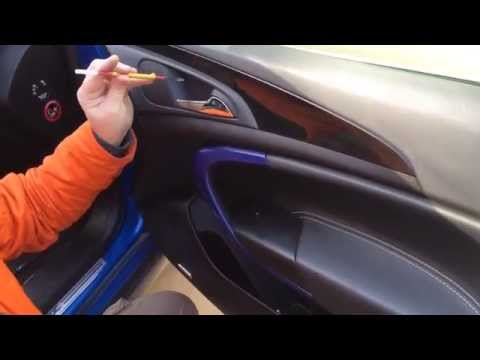
How to remove the front door panel on an Opel Insignia? Follow these steps. Before starting the disassembly, disconnect the battery terminals located in the engine bay. Begin the disassembly: use a lever to remove the plastic cover under the door handle, then use a screwdriver to unscrew the securing screws underneath. Once all screws are removed, detach the plastic clips that secure the door. Remove the door panel by hand, disconnect the power connectors and the door release cable. by ScegliAuto More videos
|

|
For advertising on this site Write to info@scegliauto.com
ScegliAuto is not responsible for any inaccuracy of the data in the lists. To report any inaccuracy or your business (if you own the business in question), please write to info@scegliauto.com
Number of seconds to generate the page: 0.049
(c) ScegliAuto 2026 - info@scegliauto.com - Privacy policy VAT number: IT01247470535 |
