
|
Do it yourself
| |||
| ||||


How to Replace the Fork on the Beta Xtrainer?
Model: Beta Xtrainer
Video tutorial
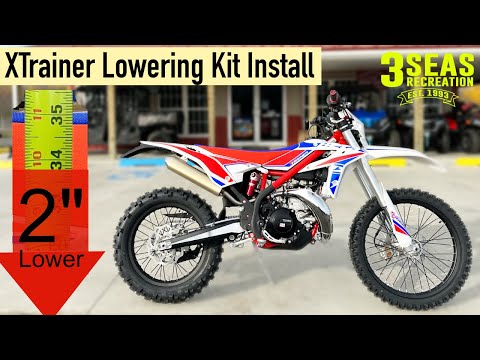
To replace the fork on the Beta Xtrainer, loosen the bolts that secure the front wheel to its housing: the bolts are located on either side of the lower part of the fork. Additionally, you will need to unscrew the bolts that secure the front brake caliper so that it can be removed from the disc. Now you can proceed to remove the wheel to free the fork: the fork must then be detached from its housing by loosening the bolts at the top and removing the clips near the mudguard. This will allow you to insert the new fork and reassemble all the removed parts.
Updated on 1 October 2026 by ScegliAuto
Related tutorials
Xtrainer
In order to replace the fork of the Beta Xtrainer, you need to loosen the screws that secure the front wheel to its housing, disconnecting the corres…

Xtrainer
On the Beta Xtrainer, the front fork can be replaced by loosening the screws that secure the front wheel to its housing, disconnecting the correspond…
Xtrainer
To replace the front shock absorber on the Beta Xtrainer, loosen the bolts securing the front wheel to the fork, allowing it to be completely removed…
|
How to Replace the Temperature Sensor on the Aprilia RS 125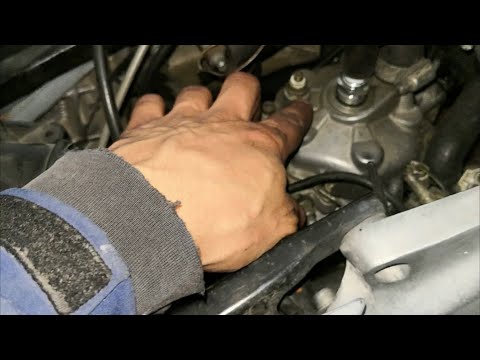
Today, we will see, in this short and simple guide, the instructions on how to remove and replace the temperature sensor on the Aprilia RS 125 motorcycle. First, place your motorcycle on a stand and start by removing the radiator hose, loosening the metal clamp, and draining the fluid into a container for about ten minutes; then remove the fuel tank to access the engine head. At this point, disconnect the electrical connector of the temperature sensor and unscrew it with a spanner to remove and replace it with the new one! by ScegliAuto More videos
|
|
For advertising on this site Write to info@scegliauto.com
ScegliAuto is not responsible for any inaccuracy of the data in the lists. To report any inaccuracy or your business (if you own the business in question), please write to info@scegliauto.com
Number of seconds to generate the page: 0.006
(c) ScegliAuto 2026 - info@scegliauto.com - Privacy policy VAT number: IT01247470535 |
