
|
Do it yourself
| |||
| ||||


Model: Bmw Gs 1200
The available video guide is very detailed, explaining everything we can consult and set from the TFT display on the motorcycle. You can check mileage, consumption, etc., as well as set routes with the navigation system, adjust lights, and much more. Using the buttons on the controls, access the complete Menu. Starting from the Settings option, you can intuitively adjust the clock, display format (12 or 24 hours), and time zone, then save everything.
Posted on 26 February 2026 by ScegliAuto
Video tutorial
Related tutorials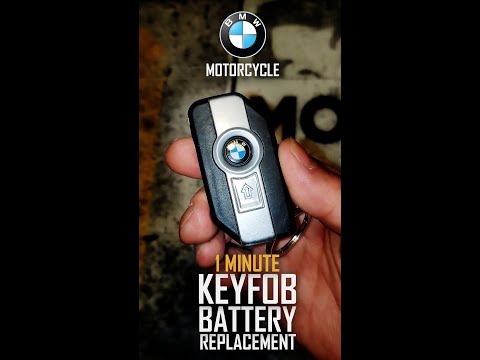
Gs 1200
If the smart key for your BMW GS 1200 has suddenly stopped working and you want to replace the battery yourself, follow these simple steps outlined i…
Gs 1200
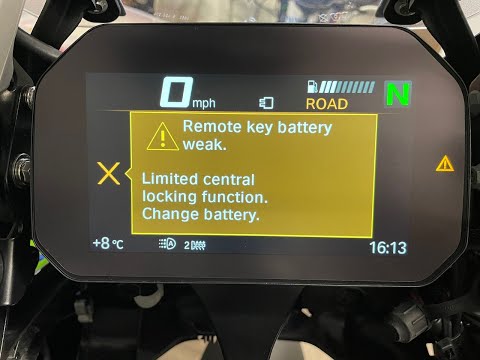
As shown in this tutorial, replacing the battery in the remote for a BMW GS 1200 is a very simple and quick task. You will need a replacement CR2032 …
Gs 1200
In the following video, you will see how to replace the exhausted battery of the keyless remote (which does not require insertion to start the bike) …
|
How to Replace the Air Filter on a Honda CB500X?
Replacing the air filter on the Honda CB500X, as shown in this tutorial, is a very simple and quick operation. First, remove the seat, then loosen the nut securing the negative terminal of the battery, disconnect it, and repeat the process for the positive terminal. Next, detach the upper strap, remove the battery, and unscrew the 4 screws securing the airbox cover. Once opened, you can extract the old filter, remove any residue present in the housing, and fit the new part. by ScegliAuto More videos
|
|
For advertising on this site Write to info@scegliauto.com
ScegliAuto is not responsible for any inaccuracy of the data in the lists. To report any inaccuracy or your business (if you own the business in question), please write to info@scegliauto.com
Number of seconds to generate the page: 0.009
(c) ScegliAuto 2026 - info@scegliauto.com - Privacy policy VAT number: IT01247470535 |
