
|
Do it yourself
| |||
| ||||


Guide to Removing the Fuel Tank of the BMW 5 Series
Model: BMW Serie 5
F11, F10
- Years 2010-2017
In this brief guide, you will find the main instructions to remove and replace the fuel tank of the BMW 5 Series. First, open the rear doors and start by removing the rear seat to access the fuel pump; then disconnect the hoses and the electrical connector. At this point, lift the vehicle and remove the bolts from the tank brackets, also disconnecting the fuel hoses; use a jack to remove the tank from the vehicle in order to replace it, following the video until the end!
Updated on 12 May 2026 by ScegliAuto
Video tutorial
Related tutorials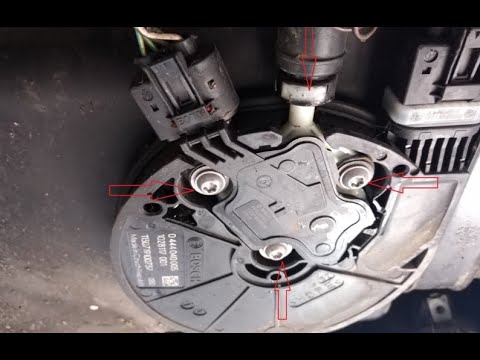
BMW Serie 5
(2010-2017 /
F11, F10)
Today, let's go through the main steps for removing and replacing the AdBlue tank from the BMW 5 Series, following the instructions below. First, lif…

BMW Serie 5
(2003-2010 /
E61, E60)
How do you open the fuel door on a BMW 5 Series? Let's see how to open the door and how to change the locking mechanism. Open the fuel door located o…
BMW Serie 5
(2010-2017 /
F11, F10)
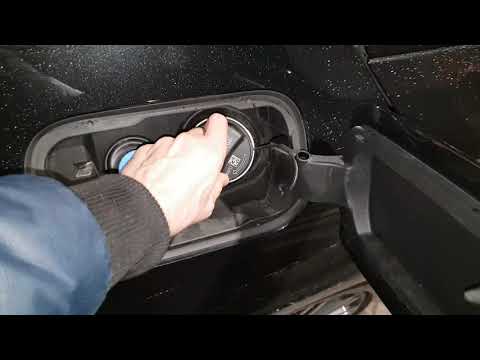
Need to refuel but don't know how to open the fuel cap? Let's see in this guide video how to open the fuel cap of a BMW 3 Series. First, open the fue…
Other guides you may be interested in
|
Where is the Fuel Filter Located in a Volvo XC60?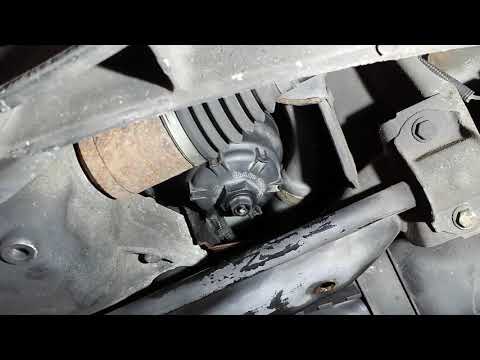
In this video, you will see where the fuel filter is located in a Volvo XC60 and how to proceed if you need to replace it. As shown, the filter is positioned at the lower part of the engine, right between the left half-shaft and the sway bar attachment. To replace the filter, first, go underneath the vehicle, taking all necessary safety precautions. Then, using an 18mm wrench, open the drain valve and allow any water present to escape. Next, unscrew the housing, remove the old filter, insert the replacement along with a new gasket, and reassemble everything. by ScegliAuto More videos
|
|
For advertising on this site Write to info@scegliauto.com
ScegliAuto is not responsible for any inaccuracy of the data in the lists. To report any inaccuracy or your business (if you own the business in question), please write to info@scegliauto.com
Number of seconds to generate the page: 0.177
(c) ScegliAuto 2026 - info@scegliauto.com - Privacy policy VAT number: IT01247470535 |
