
|
Do it yourself
| |||
| ||||


How to reset the brake warning light on BMW 1 Series f20
Model: BMW Serie 1
F20, F21, MK 2
- Years 2011-2019
In this short video tutorial today we are going to see how to reset the brake warning light on a BMW 1 Series f20. Let's start by turning on the instrument panel of the car without starting it, now we hold down the button located at the bottom left of the panel until the service coupon reset item appears. Press the same button until you get to the pads reset item, once you get there, press the button again to choose the reset and keep it pressed again to confirm the reset and we will have finished the job. It is recommended to carry out this operation with the handbrake down.
Posted on 2 July 2022 by ScegliAuto
Video tutorial
Related tutorials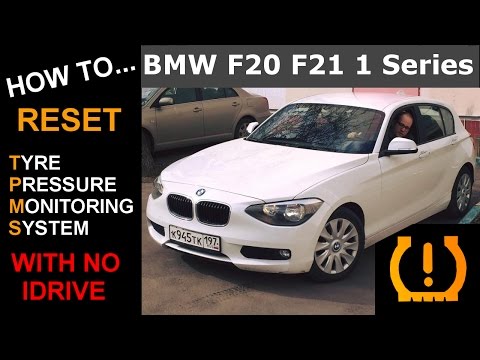
BMW Serie 1
(2011-2019 /
F20, F21, MK 2)
Let's see in this short guide how to reset the tire pressure warning light on a 2011 BMW 1 Series F20; All four tires must be brought to the preset p…
BMW Serie 1
(2011-2019 /
F20, F21, MK 2)
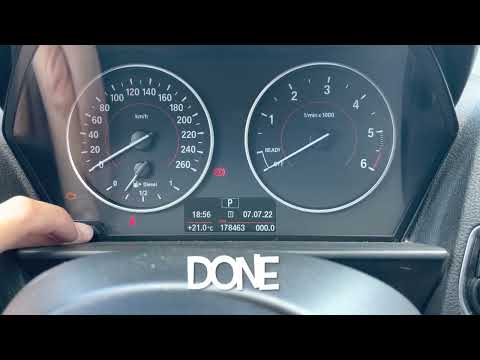
To manually reset the service light on your BMW Series 1 F20, it is not necessary to use a professional diagnostic tool. In fact, you can do it on yo…

BMW Serie 1
(2011-2019 /
F20, F21, MK 2)
If you own a BMW 1 Series f20 and want to find out where the OBD port is located so you can connect any compatible diagnostic tool, all you have to d…
Other guides you may be interested in |
How to Replace the Grille on BMW 3 Series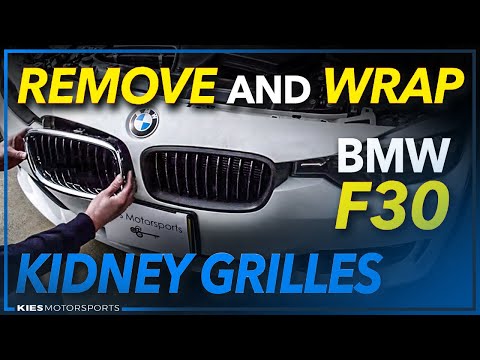
In this video, learn how to replace the grille located on the front bumper of a BMW 3 Series. Prepare to remove the plastic grille frame on both sides of the bumper using a plastic trim tool. Pry between the frame and the bumper until the clips on the inside release (remove the screws from the top of the bumper for better access). Once the clips are released, remove the grille from the bumper and install a new one. Reinstall the grille into the car's bumper by pressing it until it locks in place. Check the proper installation of the parts. by ScegliAuto More videos
|
|
For advertising on this site Write to info@scegliauto.com
ScegliAuto is not responsible for any inaccuracy of the data in the lists. To report any inaccuracy or your business (if you own the business in question), please write to info@scegliauto.com
Number of seconds to generate the page: 0.046
(c) ScegliAuto 2026 - info@scegliauto.com - Privacy policy VAT number: IT01247470535 |
