
|
Do it yourself
| |||
| ||||


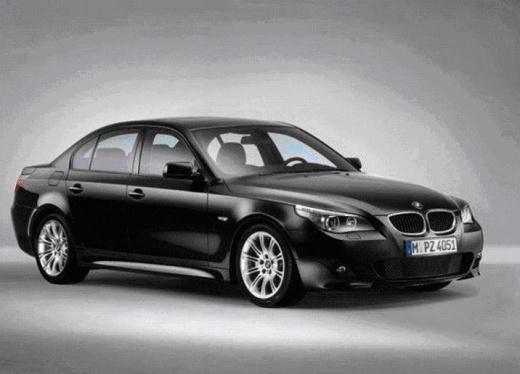
How to Install the Red Ignition Button on a BMW 5 Series E61
Model: BMW Serie 5
E60, E61
- Years:
2003, 2004, 2005, 2006, 2007, 2008, 2009, 2010
Video tutorial
Let's see how to change the ignition button on your BMW 5 Series with a red one (you can also find it in blue, silver, or crystal). You can find them on the qspcars.com website for $11.51 ($14.40 for the crystal) with free shipping. It's very easy. You will need a small screwdriver to pry off the retaining ring. In the same way, remove the button; by taking off the underlying plastic, you will enhance the brightness of the lettering. Now install the new button by simply pressing it in, aligning the tabs with the slots. Reattach the trim ring using the same method, and the job is complete.
Updated on 23 August 2026 by ScegliAuto
Related tutorials
BMW Serie 5
(2010-2017 /
F11, F10)
Replacing the battery in a BMW 5 Series? Remove the battery from the trunk. Lift the trunk lid, and remove the trunk liner cover. You will find the b…

BMW Serie 5
(2010-2017 /
F11, F10)
To replace the exterior handle on a BMW 5 Series, open the door to access the side. Here, you will find a hole with a fastening screw inside. This sc…

BMW Serie 5
(1995-2003 /
E39)
In this tutorial, you will see how to adjust the parking brake on a BMW 5 Series, a very simple and quick operation. First, park the vehicle on a fla…
Other guides you may be interested in |
Fuses Placement and Diagram for the Mercedes Vito
Check the diagram and placement of the fuse boxes for the Mercedes Vito by following the instructions below. First, open the bonnet and locate the external fuse box; you will find it by removing the plastic cover situated at the top of the engine compartment, as shown in the video. At this point, find another fuse box in the cabin, specifically under the driver's seat; use the owner's manual to find the fuse diagram and replace any faulty fuse with a new one that has the same amperage rating. by ScegliAuto More videos
|
|
For advertising on this site Write to info@scegliauto.com
ScegliAuto is not responsible for any inaccuracy of the data in the lists. To report any inaccuracy or your business (if you own the business in question), please write to info@scegliauto.com
Number of seconds to generate the page: 0.011
(c) ScegliAuto 2026 - info@scegliauto.com - Privacy policy VAT number: IT01247470535 |
