
|
Do it yourself
| |||
| ||||


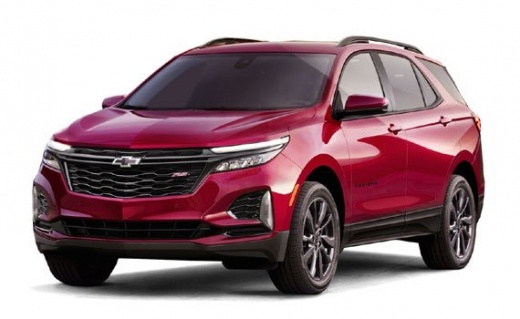
How to Reset the Multimedia System of the Chevrolet Equinox
Model: Chevrolet Equinox
MK 3
- Years:
2018, 2019, 2020, 2021, 2022, 2023, 2024, 2025
Video tutorial
Let's look at the information that will allow you to reset the multimedia system, including the settings for Apple CarPlay and Android Auto, of the Chevrolet Equinox. First, get inside the vehicle and turn on the ignition; then go to the settings on the central display and select "system," as shown in the video. At this point, reset the multimedia system options to restore the factory settings; then check the proper functioning of the Apple CarPlay or Android Auto features.
Posted on 9 November 2026 by ScegliAuto
Related tutorials
Chevrolet Equinox
(2010-2017 /
MK 2)
If the AdBlue light is on in the instrument cluster of your Chevrolet Equinox, it means that the fluid in the emissions system has reached the minimu…

Chevrolet Equinox
(2010-2017 /
MK 2)
This video tutorial shows the fuse diagrams for a Chevrolet Equinox. The box located inside the engine compartment has fuses assigned to: ventilation…

Chevrolet Equinox
(2005-2009 /
MK 1)
Locating the fuse boxes in a Chevrolet Equinox is quite simple. The first box can be found in the vehicle's cabin, exactly on the passenger side, beh…
Other guides you may be interested in |
How to Open the Fuel Flap on a Volkswagen Tiguan?
To open the fuel flap on a Volkswagen Tiguan, first unlock the car using the appropriate button on the remote. This will open the car and unlock the mechanism that controls the fuel flap. At this point, apply light pressure to the left side of the flap to open it and access the cap underneath. Once this is unscrewed, you can refuel and then close everything. by ScegliAuto More videos
|
|
For advertising on this site Write to info@scegliauto.com
ScegliAuto is not responsible for any inaccuracy of the data in the lists. To report any inaccuracy or your business (if you own the business in question), please write to info@scegliauto.com
Number of seconds to generate the page: 0.017
(c) ScegliAuto 2026 - info@scegliauto.com - Privacy policy VAT number: IT01247470535 |
