
|
Do it yourself
| |||
| ||||


How to replace the front headlight bulbs in the Citroen C4 Picasso?
Model: Citroen C4 Picasso
MK 2
- Years 2013-2022
In this tutorial we can see how to replace the front headlight bulbs in the Citroen C4 Picasso, an extremely simple and quick operation. First of all, make sure that the key is not inserted, so that you can work safely, then open the hood, locate the circular cap located on the back of the headlight in question and remove it. Next, grab the bulb holder, rotate it slightly counterclockwise and remove it from the housing. At this point, all that remains is to disconnect the power connector, connect the replacement bulb and reassemble everything following the reverse procedure.
Posted on 5 July 2025 by ScegliAuto
Video tutorial
Related tutorials
Citroen C4 Picasso
(2006-2013 /
MK 1)
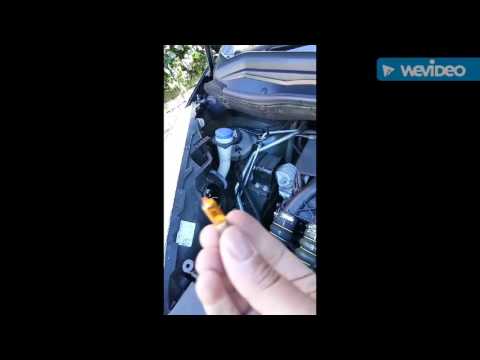
.. In this tutorial, we can see how to replace the front headlight bulbs in the Citroen C4 Picasso, an extremely simple and quick operation... …
Citroen C4 Picasso
(2013-2022 /
MK 2)
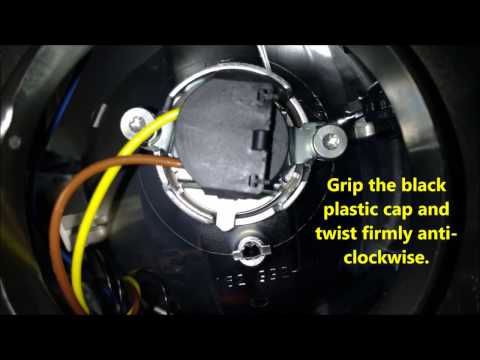
Are the headlight bulbs of the Citroen C4 Picasso burnt out and need to be replaced? Let's see how they change from the headlights. We open the front…
Citroen C4 Picasso
(2006-2013 /
MK 1)
Damaged bulbs on a Citroen C4 Grand Picasso? Let's see how to replace the bulbs from the headlight. We open the front hood by pulling the lever locat…
Other guides you may be interested in
|
How to Fold Down the Rear Seat on a Fiat Tipo
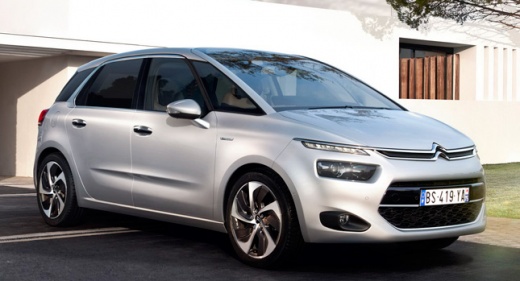
To fold down the rear seat on a Fiat Tipo for extra space in the cabin, first press the lever located on the backrest of the seat, move the seat forward, and rest it on the seat base. Pull the metal lever located at the back of the seat base, grasp the seat, and rotate it forward. Repeat the same operations on the other rear seats of the car, following the previously mentioned manoeuvres. You can load the volume of items you desire based on the space created by folding down the seats. by ScegliAuto More videos
|
|
For advertising on this site Write to info@scegliauto.com
ScegliAuto is not responsible for any inaccuracy of the data in the lists. To report any inaccuracy or your business (if you own the business in question), please write to info@scegliauto.com
Number of seconds to generate the page: 0.211
(c) ScegliAuto 2026 - info@scegliauto.com - Privacy policy VAT number: IT01247470535 |
