
|
Do it yourself
| |||
| ||||


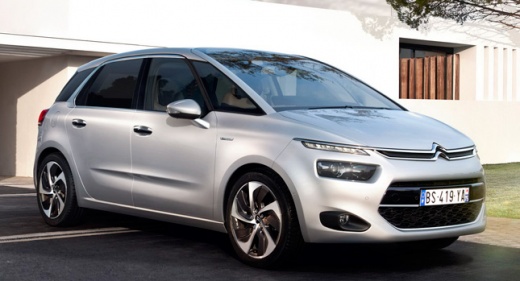
Resetting the tire pressure warning of the Citroen C4 Picasso.
Model: Citroen C4 Picasso
MK 2
- Years 2013-2022
Today's information will allow us to reset the tire pressure warning on the Citroen C4 Picasso; before resetting the TPMS sensors, it is necessary for all four tires to be at the correct pressure. First, we get into the car and start the instrument panel; then we press the TPMS sensor reset button found on the vehicle section on the central display, as shown in the video. Once the choice to calibrate the pressure sensors is confirmed, the warning will be reset on the instrument panel!
Posted on 5 July 2025 by ScegliAuto
Video tutorial
Related tutorials
Citroen C4 Picasso
(2013-2022 /
MK 2)
In this guide we will see the instructions that will allow us to reset the tire pressure warning of the Citroen C4 Picasso; before resetting the TPMS…

Citroen C4 Picasso
(2013-2022 /
MK 2)
Today we will explain how to reset the TPMS light on a Citroen C4 Picasso vehicle. Before resetting the light, it is important to adjust the tire pre…

Citroen C4 Picasso
(2013-2022 /
MK 2)
In order to reset the tire pressure warning light on the Citroën C4 Picasso, you first need to inflate the tires to the recommended pressure value: t…
Other guides you may be interested in
|
How to Remove the Mirror Cap on a Toyota Auris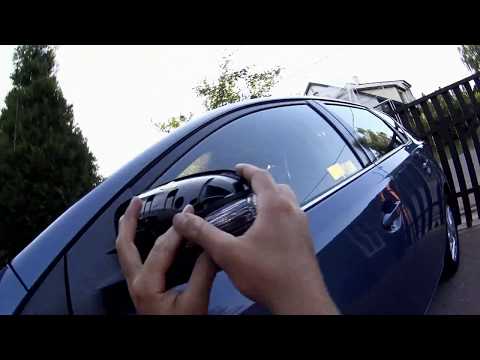
How to proceed with the removal of the mirror cap on a Toyota Auris? Use a plastic lever to detach the mirror cap and the mirror itself. Pry until the cover comes off the mirror (this operation is very delicate as it may break). Once the piece is removed, take out the side indicator (for replacement), and you can replace it with the new one. Refit the new mirror cover by inserting it into the mirror and securing the plastic with the appropriate clips. Check the correct functioning of the part. by ScegliAuto More videos
|
|
For advertising on this site Write to info@scegliauto.com
ScegliAuto is not responsible for any inaccuracy of the data in the lists. To report any inaccuracy or your business (if you own the business in question), please write to info@scegliauto.com
Number of seconds to generate the page: 0.047
(c) ScegliAuto 2026 - info@scegliauto.com - Privacy policy VAT number: IT01247470535 |
