
|
Do it yourself
| |||
| ||||


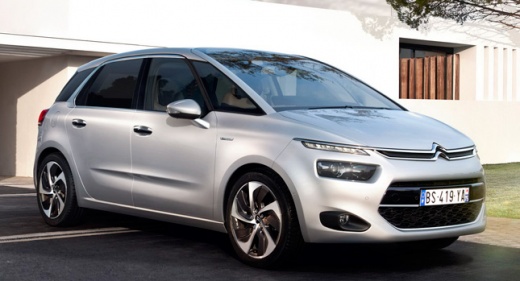
How to Manually Change the Date and Time on a Citroen C4 Picasso II
Model: Citroen C4 Picasso
MK 2
- Years:
2013, 2014, 2015, 2016, 2017, 2018, 2019, 2020, 2021, 2022
Video tutorial
Let's see how to change the date and time on a Citroen C4 Picasso II. From the touchscreen display, tap the "settings" icon, and within it, find the "date and time" option. Here you can adjust various parameters: the current time, change the format between 12 and 24 hours, adjust the date to set the day, month, and year, set the correct time zone for your area, and synchronise the automatic time update via GPS; you can also choose to disable this option, if set, to manually adjust the time. In fact, if this option is active, any changes you make will then be automatically corrected by the system.
Posted on 6 May 2026 by ScegliAuto
Related tutorials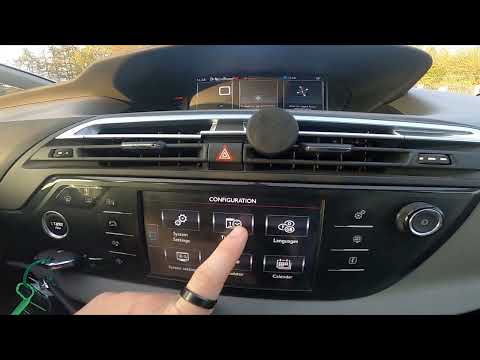
Citroen C4 Picasso
(2013-2022 /
MK 2)
If you own a second-generation Citroen C4 Picasso (2013-2020) and want to manually change the time displayed on the central screen, carefully read th…
Citroen C4 Picasso
(2013-2022 /
MK 2)
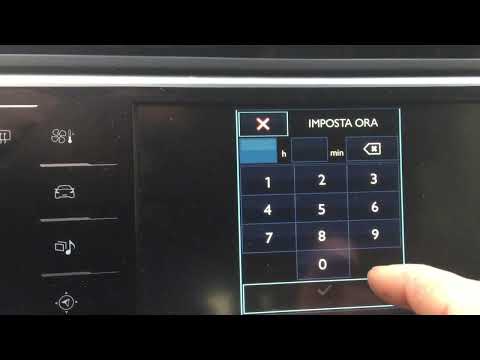
To set the time and date on a Citroen C4 Picasso, operate from the central display; turn on the central display; press the icon where the gears are l…
Citroen C4 Picasso
(2006-2013 /
MK 1)
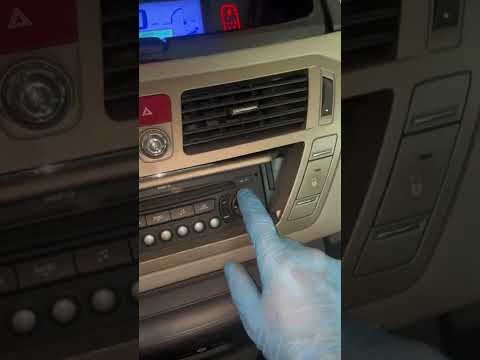
In this tutorial, you will learn how to adjust the date and time on the Citroen C4 Grand Picasso in simple and quick steps. First, get inside the veh…
Other guides you may be interested in |
How to Set the Time in an Audi A4?
In this tutorial, you will see how to set the time in an Audi A4, a very simple and quick operation to perform after replacing the battery or when the time changes. First, insert the key and turn on the instrument cluster. Then, press the "SETUP" button located on the center console. Next, press the upper left arrow button, navigate to the "Time" option, and use the central knob to adjust the clock. Finally, set any necessary formats and save by returning to the main screen. by ScegliAuto More videos
|
|
For advertising on this site Write to info@scegliauto.com
ScegliAuto is not responsible for any inaccuracy of the data in the lists. To report any inaccuracy or your business (if you own the business in question), please write to info@scegliauto.com
Number of seconds to generate the page: 0.014
(c) ScegliAuto 2026 - info@scegliauto.com - Privacy policy VAT number: IT01247470535 |
