
|
Do it yourself
| |||
| ||||


How to Reset the Service Light on the Citroen C4 Picasso 2017
Model: Citroen C4 Picasso
MK 2
- Years 2013-2022
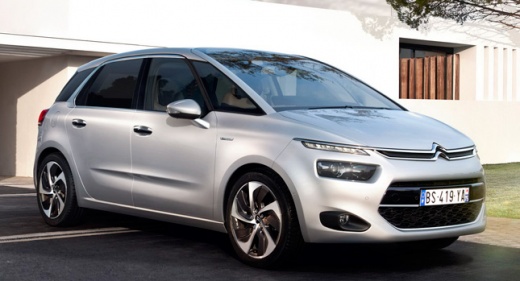
If the service light appears on the dashboard of your 2017 Citroen C4 Picasso, despite having already serviced the vehicle, follow this simple manual reset procedure. First, enter the cabin and ensure the car is completely off. Then, locate the "000" button on the left side of the instrument panel and hold it down. At the same time, turn on the ignition. Wait a few seconds, and at the end of the reset, release the button to complete the procedure.
Updated on 15 June 2026 by ScegliAuto
Video tutorial
Related tutorials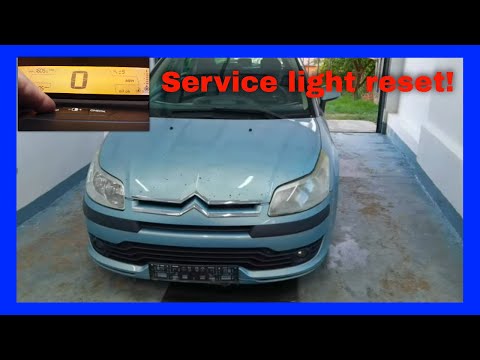
Citroen C4 Picasso
(2006-2013 /
MK 1)
If you own a first-generation Citroen C4 Picasso (2006-2013) and are wondering how to manually reset the service light, read this guide carefully and…
Citroen C4 Picasso
(2006-2013 /
MK 1)
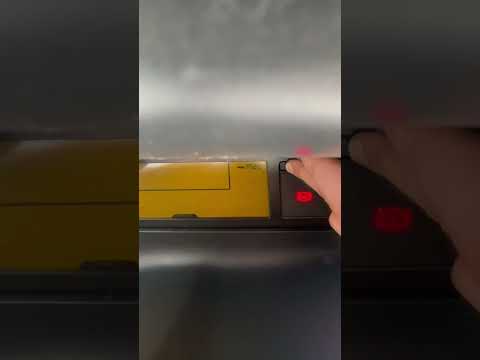
To manually reset the service light on your Citroen C4 Picasso (2010), follow this simple procedure. First, enter the cabin and ensure the ignition i…

Citroen C4 Picasso
(2006-2013 /
MK 1)
In the following mini guide aimed at all of you who own a Citroen C4 Picasso first series, we will explain how you can carry out the manual reset of …
Other guides you may be interested in
|
How to Remove the Headrests from a Fiat Panda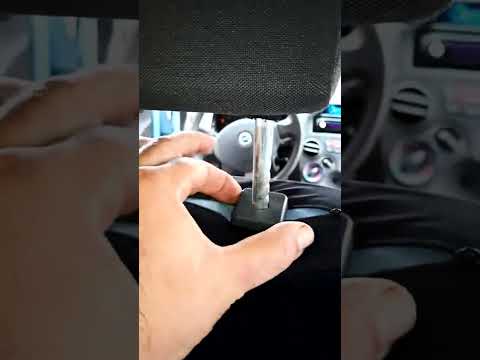
Below are the instructions to remove the headrests, both front and rear, from the Fiat Panda. First, get inside the vehicle and press and hold the side button located at the base of the headrest. Then, while holding the button, pull the headrest upwards to remove it, as shown in the video. At this point, perform the same operation on the other headrests. Now, simply insert them back in while holding the button, and finally adjust the height of all the headrests! by ScegliAuto More videos
|
|
For advertising on this site Write to info@scegliauto.com
ScegliAuto is not responsible for any inaccuracy of the data in the lists. To report any inaccuracy or your business (if you own the business in question), please write to info@scegliauto.com
Number of seconds to generate the page: 0.324
(c) ScegliAuto 2026 - info@scegliauto.com - Privacy policy VAT number: IT01247470535 |
