
|
Do it yourself
| |||
| ||||


How to install an Android radio on a Dacia Logan MK2
Model: Dacia Logan
MK 2
- Years 2012-2022
In this video, we will see how to change the stock radio of a Dacia Logan MK2 with an Android radio. First, we need to remove the chrome frame, which also contains the air vents, and is only inserted by pressure, so we just need to pry it with a plastic spatula and then gently pull towards us. We will need to remove the electrical connector inside. Then unscrew the four screws on the sides of the device, and also remove the electrical connectors and the antenna cable. We do not provide information on the new device to purchase. On e-commerce sites, you will undoubtedly find the one that suits your needs. Insert the new device, connecting the antenna and connectors, screw back the sealing screws and put back the frame with the air vents, reconnecting the electrical outlet, and the operation is complete.
Posted on 29 July 2025 by ScegliAuto
Video tutorial
Related tutorials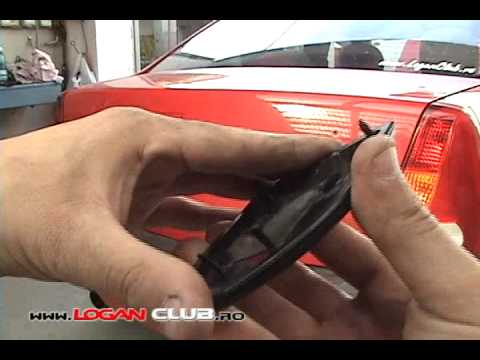
Dacia Logan
Video on assembling and disassembling body parts of the Dacia Logan. …

Dacia Logan
(2012-2022 /
MK 2)
Today we will explain how to install the armrest on a Dacia Logan car. We begin the installation by positioning the armrest in place and using a scre…

Dacia Logan
(2012-2022 /
MK 2)
Good morning, today we are here with the goal of disassembling the car radio of our Dacia Logan. Let's start by sitting in the driver's seat. Then, w…
Other guides you may be interested in
|
How to Open a Stuck Boot on the Peugeot 407?
On the Peugeot 407, the boot may become stuck, possibly due to a problem with the control button or the lock actuator. In such cases, you can perform an emergency opening by following the simple procedure shown in this tutorial. First, open the rear doors, then lower the seat back by operating the release lever. Next, go inside the boot, locate the lock, and manually operate it using a flathead screwdriver. The boot will then be free to open. by ScegliAuto More videos
|
|
For advertising on this site Write to info@scegliauto.com
ScegliAuto is not responsible for any inaccuracy of the data in the lists. To report any inaccuracy or your business (if you own the business in question), please write to info@scegliauto.com
Number of seconds to generate the page: 0.075
(c) ScegliAuto 2026 - info@scegliauto.com - Privacy policy VAT number: IT01247470535 |
