
|
Do it yourself
| |||
| ||||


How to Disable the Folding Mirrors on the Peugeot 2008
Model: Peugeot 2008
MK 2
- Years 2019-2026
To prevent the mirrors from folding every time you open/close the car on the Peugeot 2008, start by turning on the instrument cluster. Switch on the infotainment screen, go to the main menu, click on "Vehicle", then click on "Vehicle Settings" at the bottom, followed by "Parking". Find the option "Mirror Folding Lock", and click on "On": this will disable the folding mirrors, keeping them open. To enable the mirrors to fold again, click on "Off" and they will return to folding/unfolding.
Updated on 15 August 2026 by ScegliAuto
Video tutorial
Related tutorials
Peugeot 2008
(2019-2026 /
MK 2)
If you have this model of car, you may have noticed that turning off the radio is anything but simple, as pressing the power button puts the radio in…
Peugeot 2008
(2019-2026 /
MK 2)
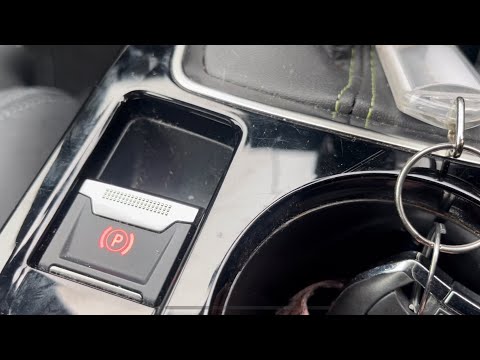
In this video, you can see how to disable the electric handbrake on a Peugeot 2008: first, turn off the engine and note that the handbrake activates …
Peugeot 2008
(2019-2026 /
MK 2)
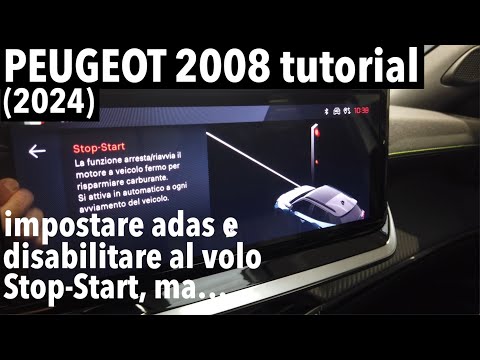
The START&STOP system or ECO mode on a Peugeot 2008 temporarily suspends the vehicle during short stops. It is advisable not to disable this function…
Other guides you may be interested in
|
How to deactivate the START&STOP system of the Peugeot 3008
The START&STOP system of the Peugeot 3008 can be temporarily deactivated manually using the button located on the dashboard. To deactivate the system, if you want to save battery charge, press the system button on the lower centre console and press the accelerator pedal. Once the system is deactivated, a warning light will illuminate on the vehicle's instrument panel and will turn off automatically when the system is reactivated by simply pressing the START&STOP button and pressing the accelerator pedal. by ScegliAuto More videos
|

|
For advertising on this site Write to info@scegliauto.com
ScegliAuto is not responsible for any inaccuracy of the data in the lists. To report any inaccuracy or your business (if you own the business in question), please write to info@scegliauto.com
Number of seconds to generate the page: 0.061
(c) ScegliAuto 2026 - info@scegliauto.com - Privacy policy VAT number: IT01247470535 |
