
|
Do it yourself
| |||
| ||||


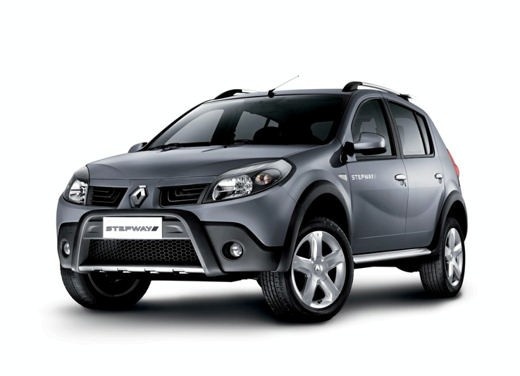
Removing the Dashboard Knobs on a Dacia Sandero
Model: Dacia Sandero
BS
- Years:
2008, 2009, 2010, 2011, 2012
Video tutorial
How to change the bulbs or LEDs in the air conditioning knobs of a Dacia Sandero? Follow this guide. Remove the central plastic from the dashboard, unscrew the air conditioning controls with a screwdriver, and use a plastic lever to detach the button panel from the dashboard; extract it from the instrument panel (as shown in the video), being careful not to break the locking tabs. After removing the knobs from the panel, replace the illumination bulbs inside. Finally, reassemble all the parts in reverse order.
Updated on 14 March 2026 by ScegliAuto
Related tutorials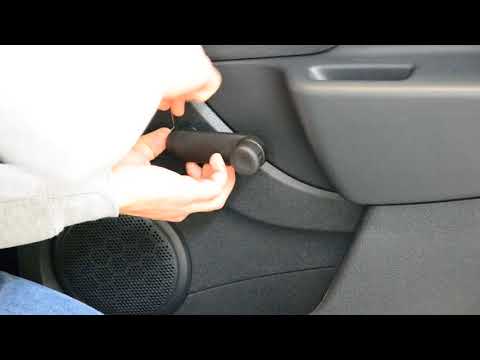
Dacia Sandero
(2012-2020 /
B8)
Before you begin, open the door of your Dacia Sandero. Start by prising off and removing the window switch, simply by extracting the internal retaini…

Dacia Sandero
(2008-2012 /
BS)
Learn how to remove the instrument cluster from a Dacia Sandero if damaged. Remove the trim plastic surrounding the instrument cluster: lever off the…
Dacia Sandero
(2008-2012 /
BS)
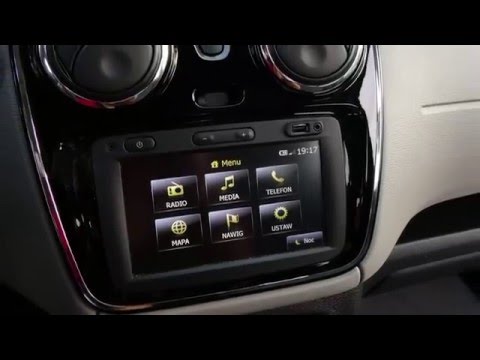
Want to remove the sat nav from your Dacia Sandero but not sure how? Here’s how to take out the original sat nav: Remove the stereo trim frame using …
ScegliAuto offers an extensive international collection of automotive tutorials available in 12 languages. Each guide combines instructional videos with original explanations written by experienced human editors, along with information about the car models covered.
Other guides you may be interested in
|
How to Replace the Position Light Bulbs on the Mini Cooper R56?
Learn how to replace the position light bulbs on a Mini Cooper R56. For easier access, turn the wheels outward to create enough space to open the flap under the wheel arch, rotating it counterclockwise before removing it. Grip the position light holder and rotate it 45 degrees (a quarter turn) counterclockwise to unlock it, then pull it out. Once the holder is removed, extract the blown bulb and replace it with a new one. by ScegliAuto More videos
|
|
For advertising on this site Write to info@scegliauto.com
ScegliAuto is not responsible for any inaccuracy of the data in the lists. To report any inaccuracy or your business (if you own the business in question), please write to info@scegliauto.com
Number of seconds to generate the page: 0.021
(c) ScegliAuto 2026 - info@scegliauto.com - Privacy policy - About us VAT number: IT01247470535 |
