
|
Do it yourself
| |||
| ||||


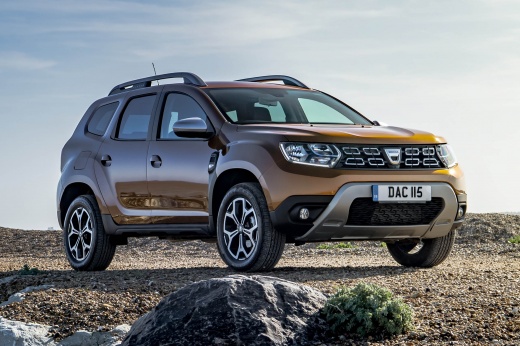
Where to Find the OBD Port of the Dacia Duster 2
Model: Dacia Duster
MK 2, HM
- Years:
2017, 2018, 2019, 2020, 2021, 2022, 2023, 2024
Video tutorial
If you want to find out where the OBD port is located on your Dacia Duster second generation (2017-2022), carefully read the following guide to connect any professional diagnostic tools easily and safely. First, switch off the car and park it on a flat surface. Then, enter the cabin and reach the driver's seat. At this point, locate the small compartment situated in the lower left area of the dashboard and remove the cover with your hands. Finally, identify the OBD port marked by a yellow colour.
Updated on 1 July 2026 by ScegliAuto
Related tutorials
Dacia Duster
(2010-2017 /
MK 1, HS)
If you cannot find the OBD port in your first generation Dacia Duster, do not worry because thanks to the instructions in our new guide, you will be …

Dacia Duster
(2010-2017 /
MK 1, HS)
To easily locate the OBD port inside your Dacia Duster first edition, simply follow the procedure described below. First, enter the car and reach the…
Dacia Duster
(2017-2024 /
MK 2, HM)
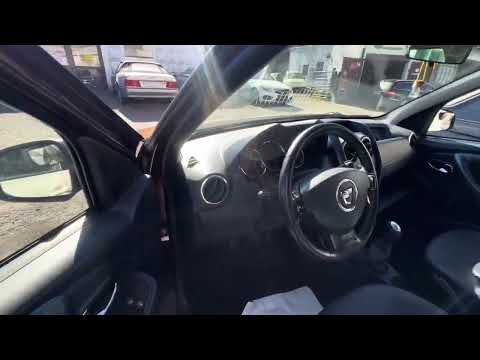
To be able to locate the OBD port inside your Dacia Duster second series, all you have to do is follow the few simple steps described in the followin…
Other guides you may be interested in
|
How to Disable the Safe Lock on a Volkswagen Golf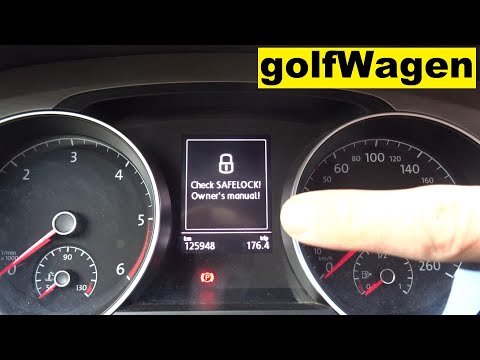
The safe lock is an anti-theft system that prevents thieves from accessing the vehicle. This device locks the doors, both externally and internally, when the driver activates the central locking remote after leaving the vehicle. To disable it permanently, you need to use a diagnostic program like VCDS, which connects to the vehicle via the OBDII port. Wait for the connection and recognition of the control unit, then select the locks present and locate the safe lock to disable it. The job will then be complete. by ScegliAuto More videos
|
For advertising on this site Write to info@scegliauto.com
ScegliAuto is not responsible for any inaccuracy of the data in the lists. To report any inaccuracy or your business (if you own the business in question), please write to info@scegliauto.com
Number of seconds to generate the page: 0.030
(c) ScegliAuto 2026 - info@scegliauto.com - Privacy policy VAT number: IT01247470535 |
