
|
Do it yourself
| |||
| ||||


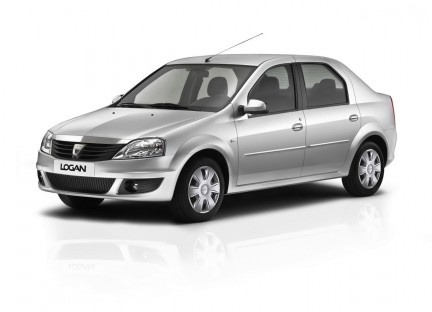
How to Reset the Service on the Dacia Logan
Model: Dacia Logan
MK 1
- Years 2004-2012
Video tutorial
Detailed instructions - After changing the oil and filter as part of the scheduled maintenance, you need to update and reset the service indicator on the dashboard. To do this, follow the instructions below and refer to the tutorial video. First, sit in the driver's seat and turn on the ignition. On the multifunction lever to the right, there is a button at the end that you need to press to scroll through the onboard computer functions until you reach the service indicator marked with a spanner symbol. Press and hold the same button until the service indicator starts to flash, then it will update.
Updated on 3 July 2026 by ScegliAuto
Related tutorials
Dacia Logan
(2012-2022 /
MK 2)
In this tutorial, we will see how to reset the service light in the Dacia Logan, a very simple and quick operation to perform only after completing a…
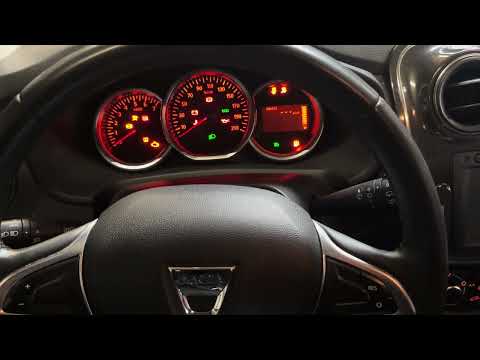
Dacia Logan
(2012-2022 /
MK 2)
In this tutorial, we will see how to reset the service in the Dacia Logan, an extremely simple and quick operation to perform only after completing a…
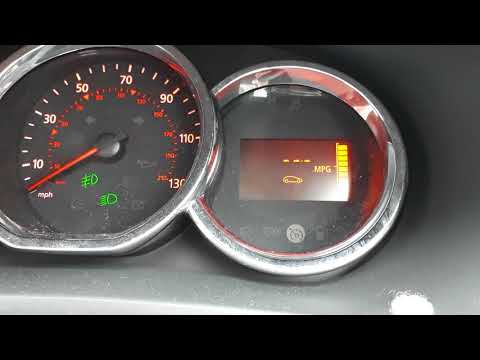
Dacia Logan
(2012-2022 /
MK 2)
In this brief tutorial, you will learn how to reset the service light on a Dacia Logan MK2, an operation that should be performed after servicing the…
Other guides you may be interested in
|
How to Replace the Emergency Call System Battery on BMW X2
To replace the battery of the emergency call system on the BMW X2, you need to remove the interior roof lining of the car. This will allow access to the components covered by it. At the rear left, near the passenger door, you will find the battery: it can be removed from its housing and replaced with a new spare part. After replacement, cover everything back with the interior lining panel, ensuring that everything functions correctly. by ScegliAuto More videos
|
|
For advertising on this site Write to info@scegliauto.com
ScegliAuto is not responsible for any inaccuracy of the data in the lists. To report any inaccuracy or your business (if you own the business in question), please write to info@scegliauto.com
Number of seconds to generate the page: 0.136
(c) ScegliAuto 2026 - info@scegliauto.com - Privacy policy VAT number: IT01247470535 |
